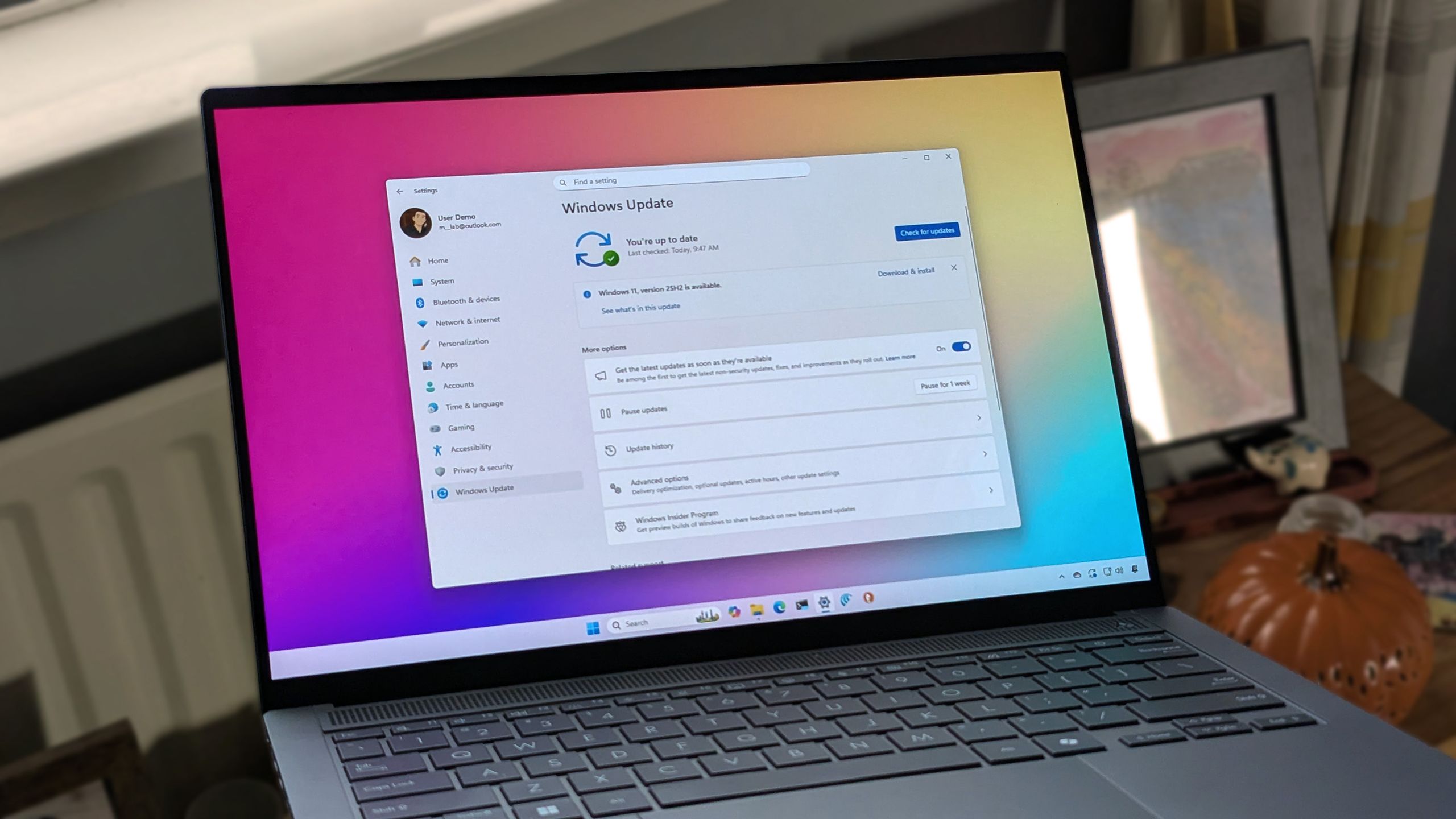
Windows 11 will let you skip updates, pause longer, and avoid forced restarts
Microsoft is introducing enhanced update controls in Windows 11 aimed at giving users greater flexibility over system maintenance. The new features address a common frustration: unexpected update notifications and forced reboots that disrupt workflow.
Key improvements include the ability to skip updates entirely during the initial out-of-box experience (OOBE) when first setting up a PC. Users will also gain options to extend pause periods for updates, reducing instances where systems force interruptions at inconvenient times. Additionally, the changes reduce reliance on forced reboots, allowing users more control over when their systems restart.
These updates acknowledge longstanding user complaints about Windows Update behavior. Previously, users had limited ability to defer critical updates, and forced restarts could cause data loss or disrupt important tasks. The new controls provide more granular management, letting users align updates with their schedule rather than adhering to Microsoft’s default timing.
The implementation suggests Microsoft is responding to user feedback about work disruption and system reliability. While automatic updates remain important for security, the enhanced flexibility allows users in different scenarios—from professionals with continuous uptime requirements to casual users—to better manage their systems.
These features represent a shift in Microsoft’s approach to balancing security (ensuring timely patches) with user experience (respecting system usage patterns). The rollout will make Windows 11 more manageable for power users and those with demanding workflows, though the company will likely maintain safeguards to ensure systems eventually receive critical security patches.