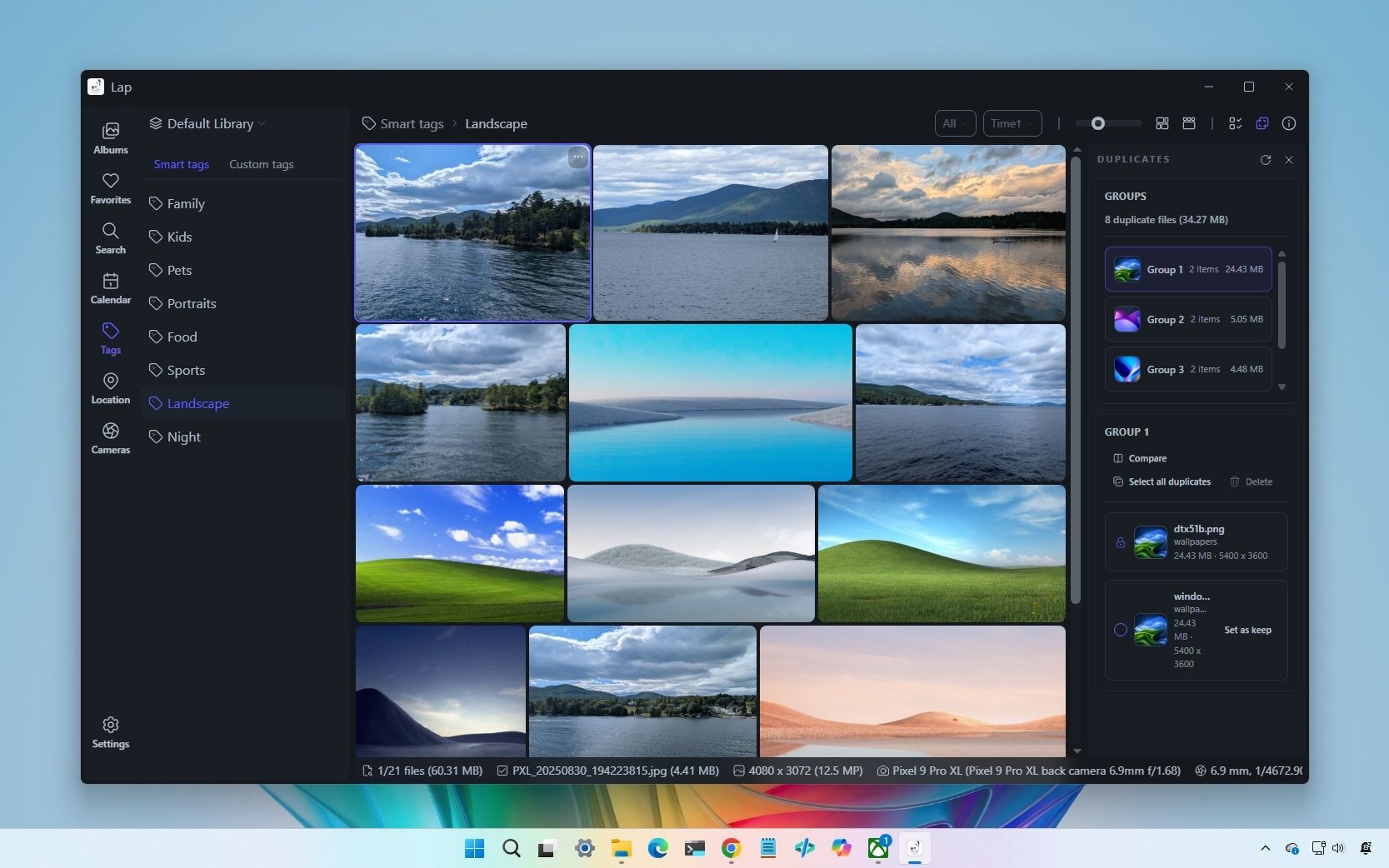
After testing LAP Photo Manager on Windows 11, I’m convinced it outperforms the built‑in Photos app in all the ways that matter
LAP Photo Manager offers Windows 11 users a compelling alternative to the built-in Photos app, emphasizing local-first photo management with a focus on privacy and control. The free, open-source desktop application is designed specifically for users whose photo libraries reside entirely on their computers rather than in cloud storage, addressing a gap in modern photo management software that typically assumes cloud integration.
Available across Windows 11 and 10, macOS, and Linux, LAP prioritizes local processing and searching, ensuring all photo operations occur on the user’s device without cloud dependencies. This approach eliminates unwanted cloud clutter and provides users with complete control over their photo data. The application was created as a direct response to the disconnect between modern photo management software and local-first workflows, offering a streamlined, privacy-conscious alternative.
Key advantages include free access, open-source transparency, and native support across major operating systems. The emphasis on speed and local operation makes it particularly attractive to users concerned with privacy, data sovereignty, and traditional on-device photo management. For Windows 11 users seeking to move away from Microsoft’s default Photos app, LAP presents a lightweight, developer-friendly option that prioritizes user control over convenience.