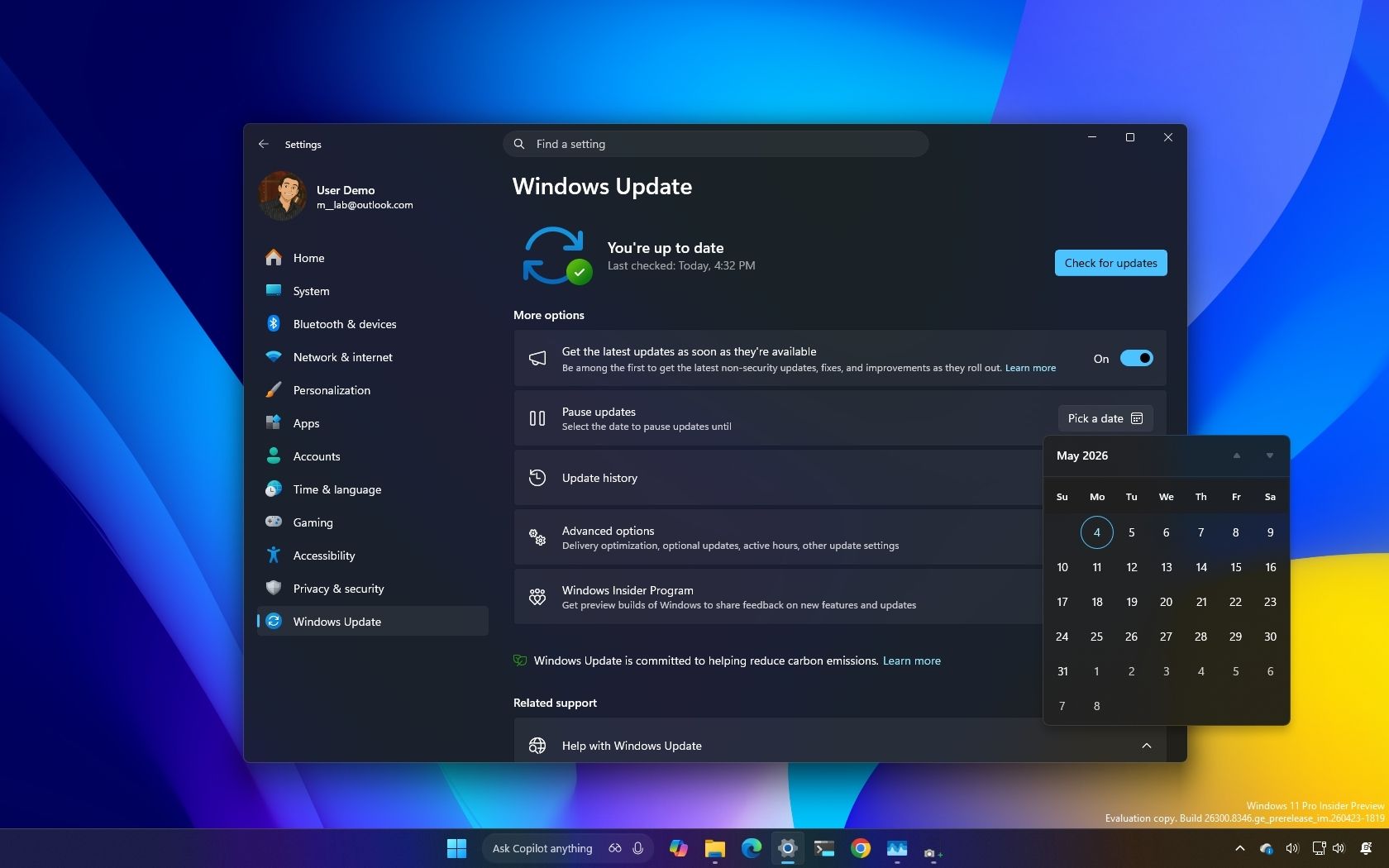
I dug into the new Windows Update rules coming to Windows 11, and these are the 5 things you need to know
Microsoft is implementing significant changes to Windows Update in Windows 11, aiming to address long-standing frustrations with the update process while maintaining device security. The company is attempting to strike a better balance between keeping systems secure and giving users more control over when and how updates are installed.
Key improvements include new pause controls that give users better management over update timing, a redesigned Power menu for easier access to system controls, and a reduction in forced restarts that have been a persistent pain point for Windows users. Additionally, Microsoft is implementing smarter recovery features that activate when updates fail, preventing the system crashes and data loss scenarios that have plagued users in the past.
These changes represent Microsoft’s acknowledgment of widespread complaints about Windows Update behavior, which has been consistently cited as one of the most frustrating aspects of using Windows. While the specific technical details of each improvement aren’t fully detailed in the initial announcements, the overall direction suggests Microsoft is prioritizing user experience alongside security requirements—a departure from previous approaches that often prioritized updates at the expense of user convenience.