How I access Windows 11’s newest experimental features before release and what it reveals about Microsoft’s roadmap
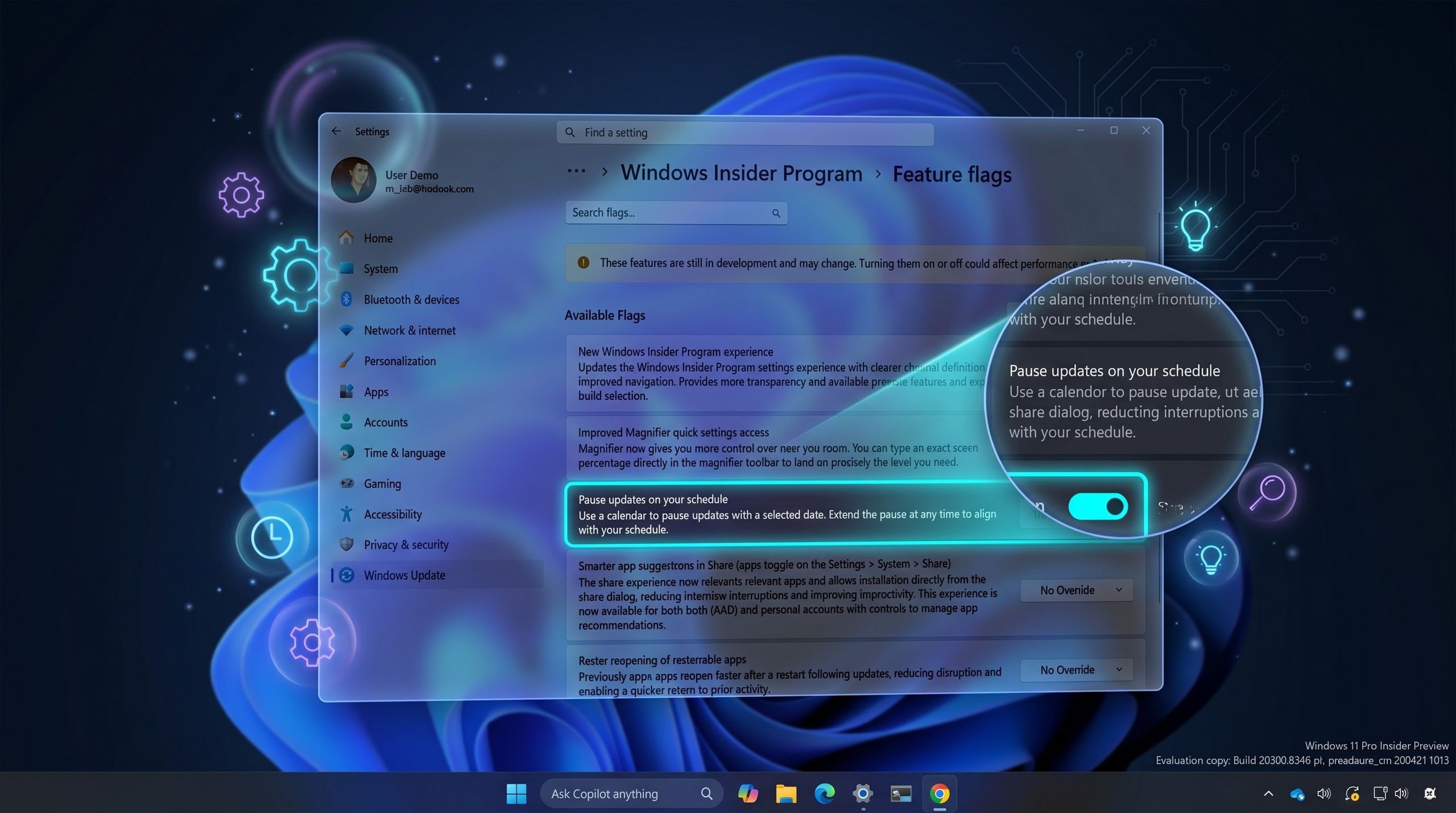
Microsoft has introduced native support for accessing Windows 11’s experimental features, eliminating the need for third-party tools like ViveTool that Insider users previously relied on. The company now provides a built-in setting that allows users to manage and enable experimental features directly through Windows settings.
The update addresses a longstanding frustration within the Windows Insider community. Previously, users who installed preview builds would often discover that experimental features remained unavailable on their systems, limiting their ability to test and provide feedback on unreleased functionality. This inconsistency was due to Microsoft’s use of Controlled Feature Rollout (CFR) technology, which strategically limits feature availability to specific subsets of users for A/B testing purposes.
CFR allows Microsoft to carefully monitor how new features perform with controlled groups of users before wider deployment, helping identify issues and refine functionality before general release. However, this approach meant that even Insider program participants—who explicitly opted into testing pre-release software—couldn’t guarantee access to the latest experimental features.
By providing a native interface for experimental feature management, Microsoft acknowledges the demand from its testing community for greater transparency and control over which preview features they can access. This move streamlines the process, integrating feature flag management directly into Windows rather than requiring external utilities. The change reflects Microsoft’s effort to improve the Insider experience and potentially accelerate feedback cycles by making experimental features more readily available to those willing to test them.