“Dragging windows is finally easier”: I break down the Windows 11 tweak that quietly improves daily use
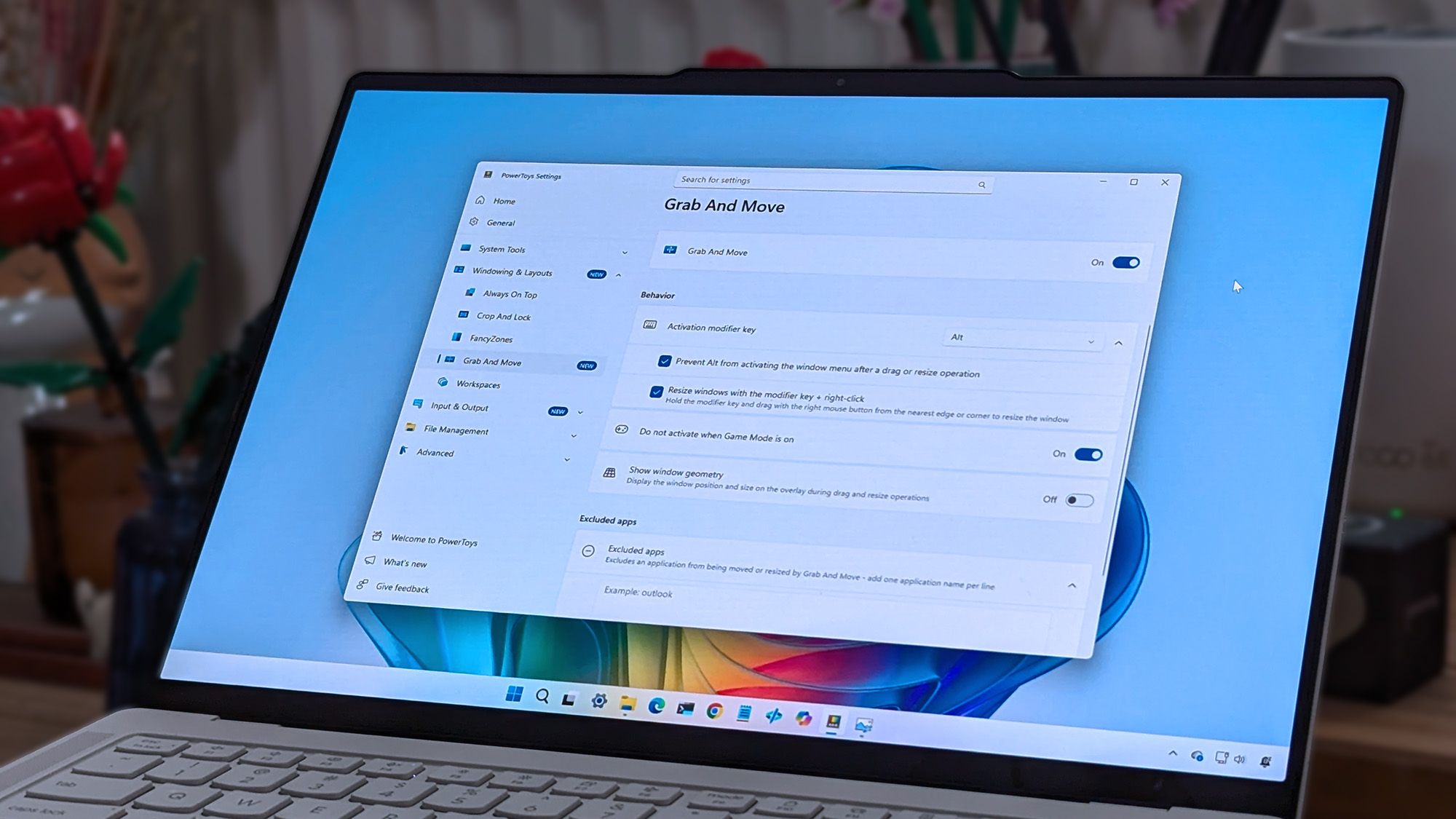
Windows 11 receives a PowerToys enhancement that addresses a long-standing usability issue with window management. The update introduces a simplified shortcut for dragging and moving application windows, eliminating the need for precise title bar targeting—a problem that has plagued Windows users for years.
The core issue being solved is that moving windows on Windows 11 requires significant precision to hit the small title bar area. This is particularly problematic with modern applications like the Settings app, which often lack visible title bar indicators, making it unclear where users should click and drag. Even legacy applications such as Control Panel and File Explorer, while displaying visible title bars, sometimes have limited dragging functionality in practice.
PowerToys, Microsoft’s collection of advanced utilities for power users, now includes a feature that makes window dragging more accessible through a straightforward keyboard shortcut or alternative interaction method. This solution simplifies the daily user experience by removing the frustration of repeatedly missing the target area when attempting to reposition windows.
The enhancement reflects Microsoft’s recognition of usability pain points in Windows 11, particularly regarding the design challenges introduced by modern application interfaces. By providing this opt-in feature through PowerToys, the company offers an accessibility improvement for users who find traditional window management cumbersome.