I break down 4 new Windows 11 tools from Build 2026 that genuinely stood out and show where the OS is heading
At Microsoft Build 2026, four Windows 11 developer tools emerged as significant indicators of the operating system’s strategic direction, despite being overshadowed by the conference’s broader focus on AI announcements.
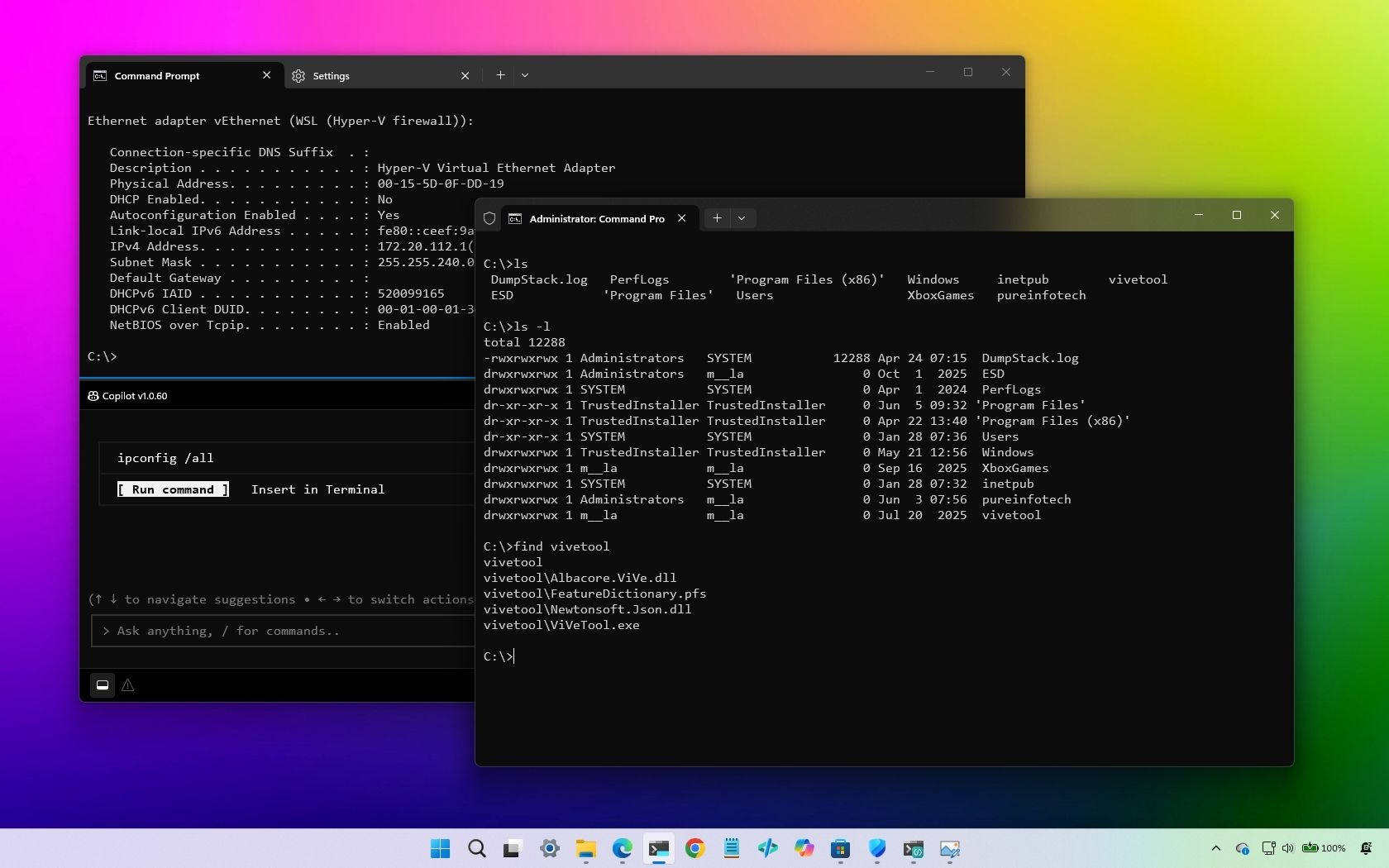
The standout tools—Coreutils, WSL Containers, Intelligent Terminal, and Windows Developer Configurations—represent Microsoft’s continued investment in improving the development experience within Windows 11. While less flashy than AI projects and local model announcements, these tools target professional developers rather than general consumers.
The emphasis on Windows Subsystem for Linux enhancements, particularly container support, demonstrates Microsoft’s commitment to seamless integration with Linux-based development workflows. An Intelligent Terminal suggests modernization of the command-line experience, while Windows Developer Configurations indicates tools designed to streamline development environment setup.
These announcements reflect broader industry trends toward optimizing developer experience and integrating Unix-adjacent tools into Windows. Although overshadowed by headline-grabbing AI initiatives, these developer-focused tools offer practical value to professionals who rely on Windows as their primary development platform.
The announcements underscore Microsoft’s dual-track approach at Build 2026: balancing consumer-facing innovations with infrastructure improvements that may have greater long-term impact on professional workflows and developer productivity in Windows environments.