After years of forgetting Windows shortcuts, I finally found a method that makes them stick — and it’s surprisingly simple
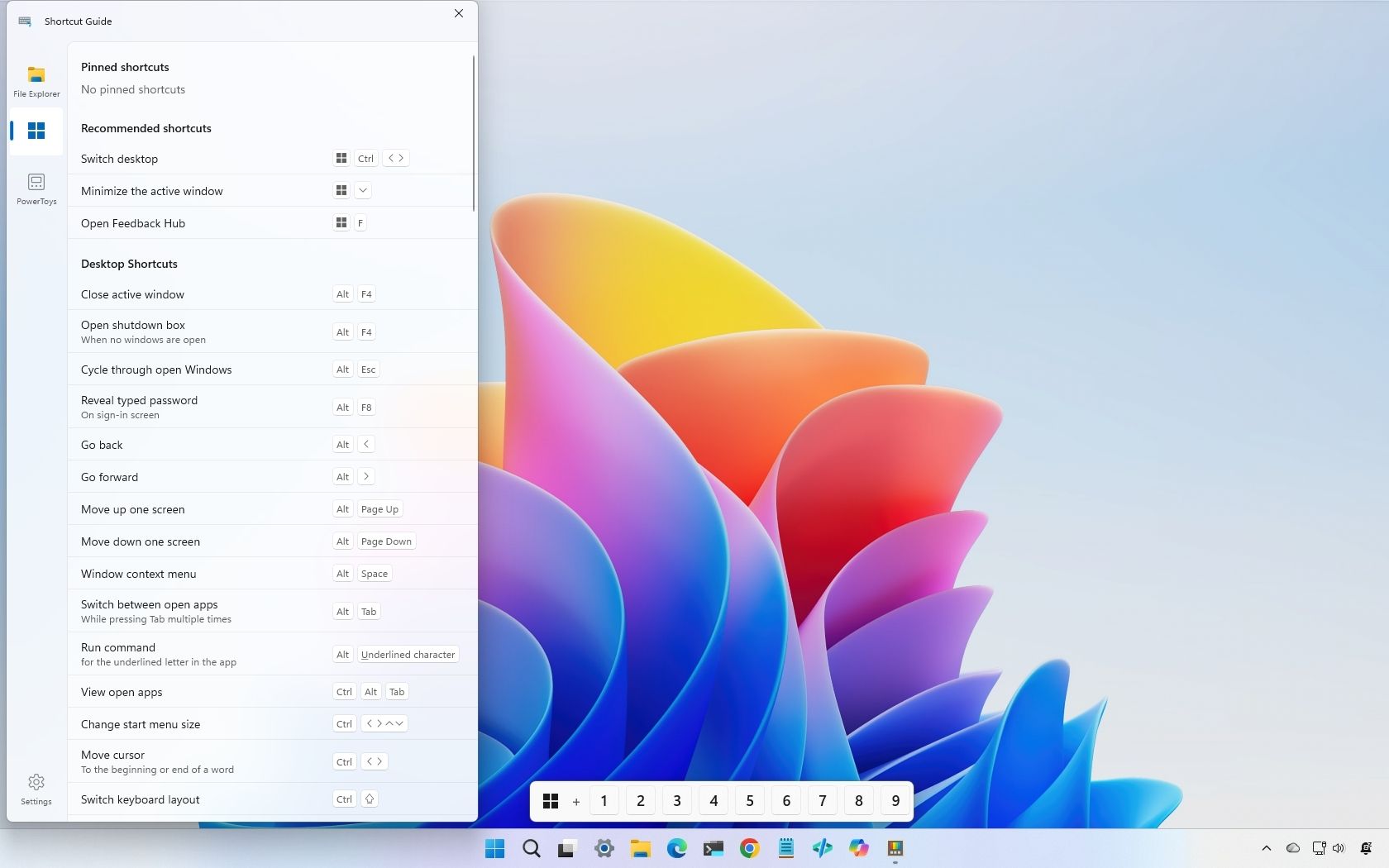
Microsoft’s PowerToys team has released a redesigned Shortcut Guide in version 0.100, aimed at helping Windows 11 users discover and remember keyboard shortcuts more effectively. While keyboard shortcuts remain one of the fastest ways to navigate the desktop, most users are familiar with only a handful of common commands—such as Windows key + E to open File Explorer, or Ctrl + C and Ctrl + V for copy and paste operations.
The new context-aware Shortcut Guide addresses this knowledge gap by making it easier to discover the many useful shortcuts that remain hidden from casual users. Rather than requiring users to actively search through documentation or memorize combinations, the redesigned tool provides smarter, context-sensitive recommendations based on what users are doing at any given moment.
This update reflects a broader recognition that keyboard shortcuts significantly improve productivity and navigation speed on Windows, yet adoption remains limited due to discoverability challenges. By integrating the Shortcut Guide more intelligently into the PowerToys ecosystem, Microsoft is attempting to close the gap between the most commonly used shortcuts and the broader library of time-saving commands available in Windows 11.
PowerToys, Microsoft’s collection of system utilities for power users, continues to evolve as the company seeks to enhance the Windows experience with community-driven and developer-focused tools.