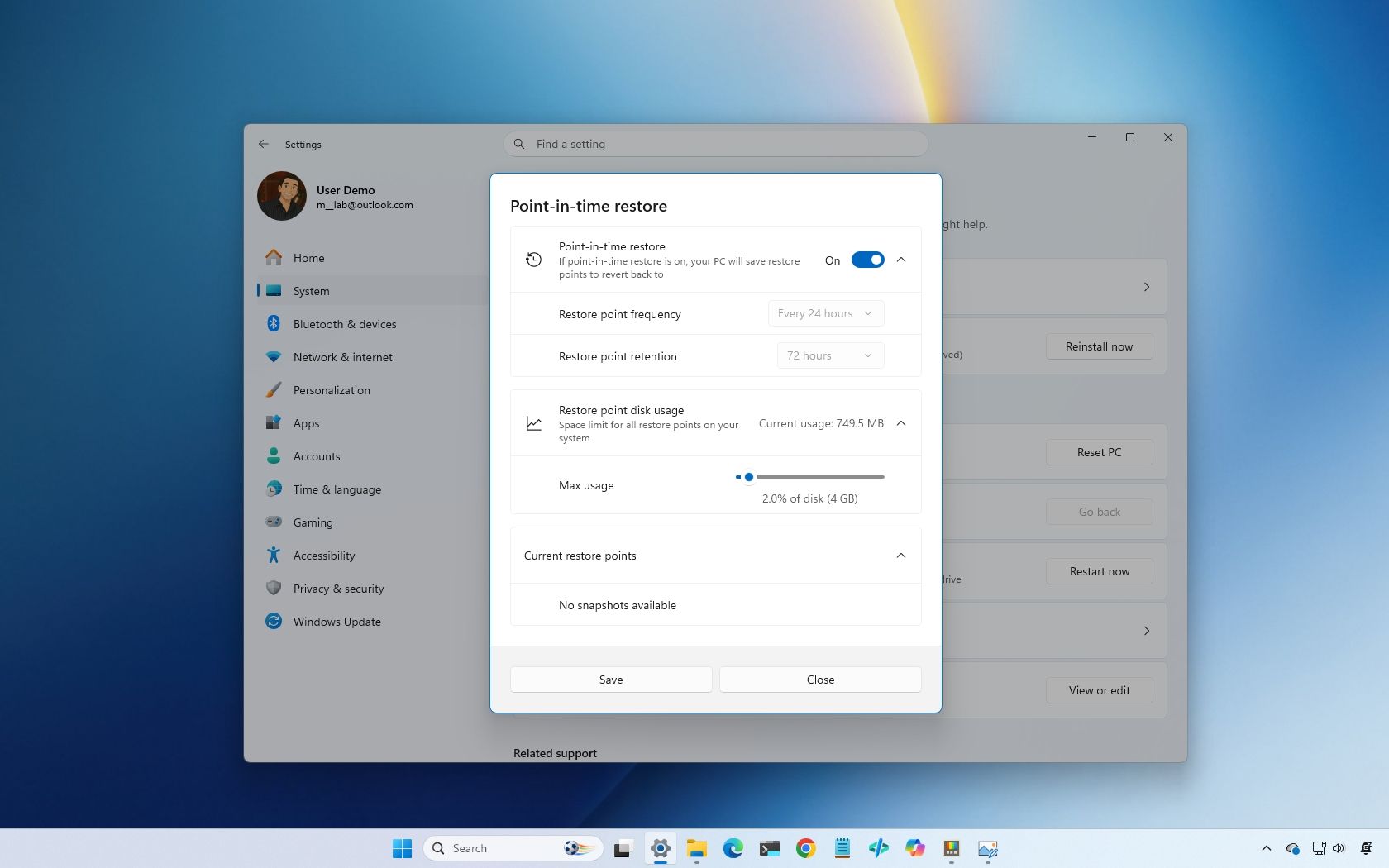
Windows 11 has more recovery options than ever, and here’s exactly when I would use each one to fix a broken PC
Windows 11 has evolved significantly in its approach to system recovery and repair, offering users multiple solutions rather than the previous requirement to perform a complete operating system reinstall. Historically, serious Windows issues—whether caused by problematic drivers, failed updates, or corrupted system files—often necessitated backing up files and reinstalling the OS from scratch, which was time-consuming and data-intensive.
Microsoft has transformed Windows 11 into a more resilient operating system by bundling a collection of recovery tools designed to address different types of problems. These tools allow users to repair Windows 11 while minimizing changes to personal data, and include options to roll back problematic updates and recover from various system failures. This represents a significant shift in Windows’ design philosophy, prioritizing stability and user experience through targeted repair mechanisms rather than wholesale system replacement.
The availability of multiple recovery options means users can select the appropriate solution based on their specific problem, reducing downtime and data loss risks. This improvement reflects years of incremental development aimed at making Windows more user-friendly and robust, reducing the technical burden on users facing system issues.