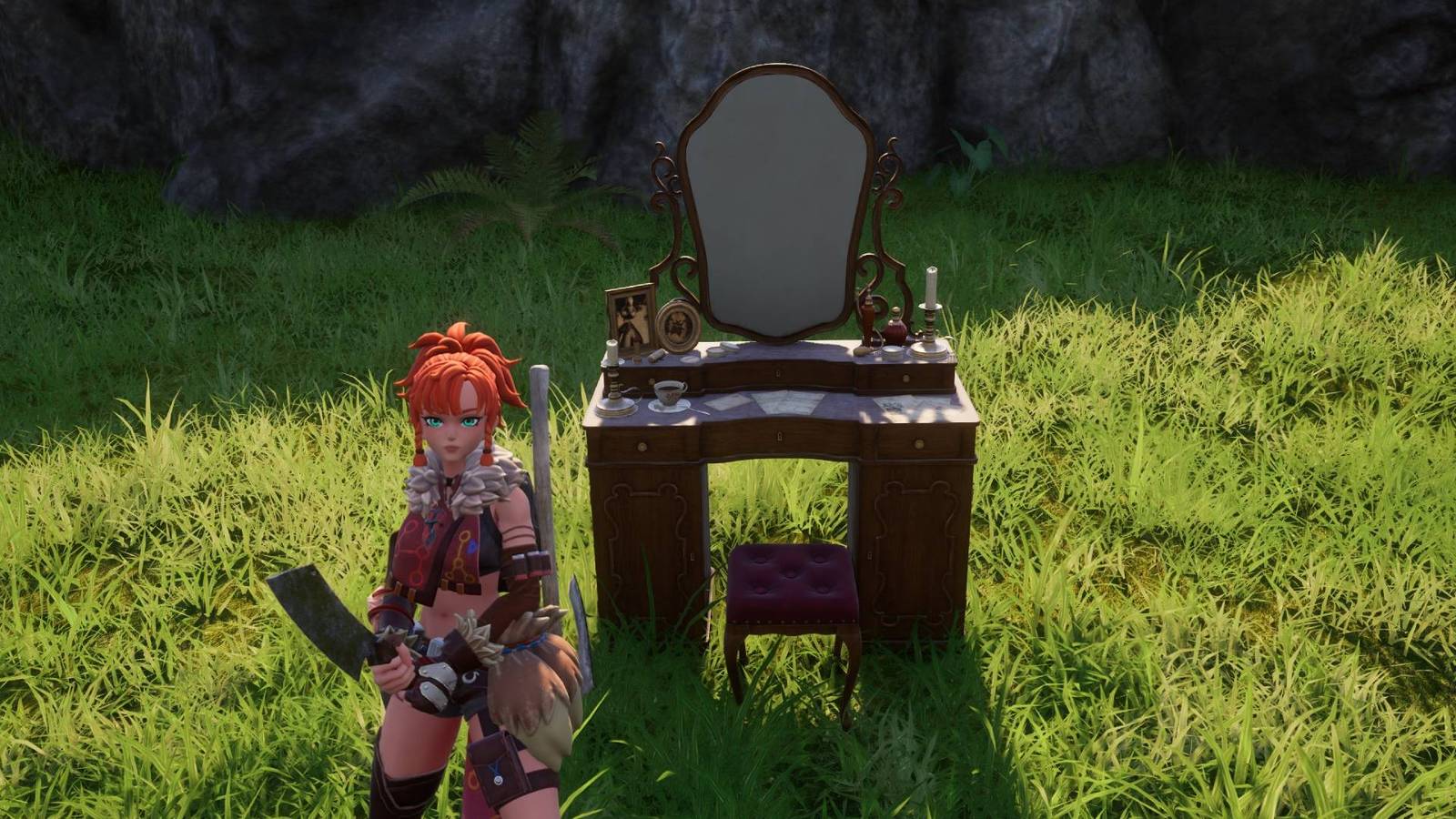
How to customize armor appearance with Palworld’s transmog system
Palworld introduced a cosmetic armor customization system in the March 2025 update v0.50, allowing players to modify their armor’s visual appearance without altering its in-game stats. This transmog-style system enhances player expression by enabling armor appearance changes while maintaining game balance.
The system works by allowing players to apply the appearance of armor pieces they own to other equipment, creating custom looks from their existing inventory. However, the feature has specific constraints: players cannot customize armor color, and appearance changes are limited to armor designs already held in their collection. These limitations prevent unlimited cosmetic freedom but keep the system within the framework of existing gear.
The cosmetic armor system’s interface placement within the game menu has proven confusing for many players, making discovery difficult without external guidance. Polygon’s article addresses this friction point by providing a step-by-step guide to accessing and using the feature effectively.
The March 2025 update that introduced cosmetic armor also brought two other significant features: crossplay functionality and the Global Palbox system. These additions aimed to improve the multiplayer experience and accessibility for the Palworld community.
The cosmetic armor guide has since been updated as of July 21 to reflect refinements made in Palworld 1.0, indicating that developers have continued to iterate on the feature based on player experience since its initial launch.