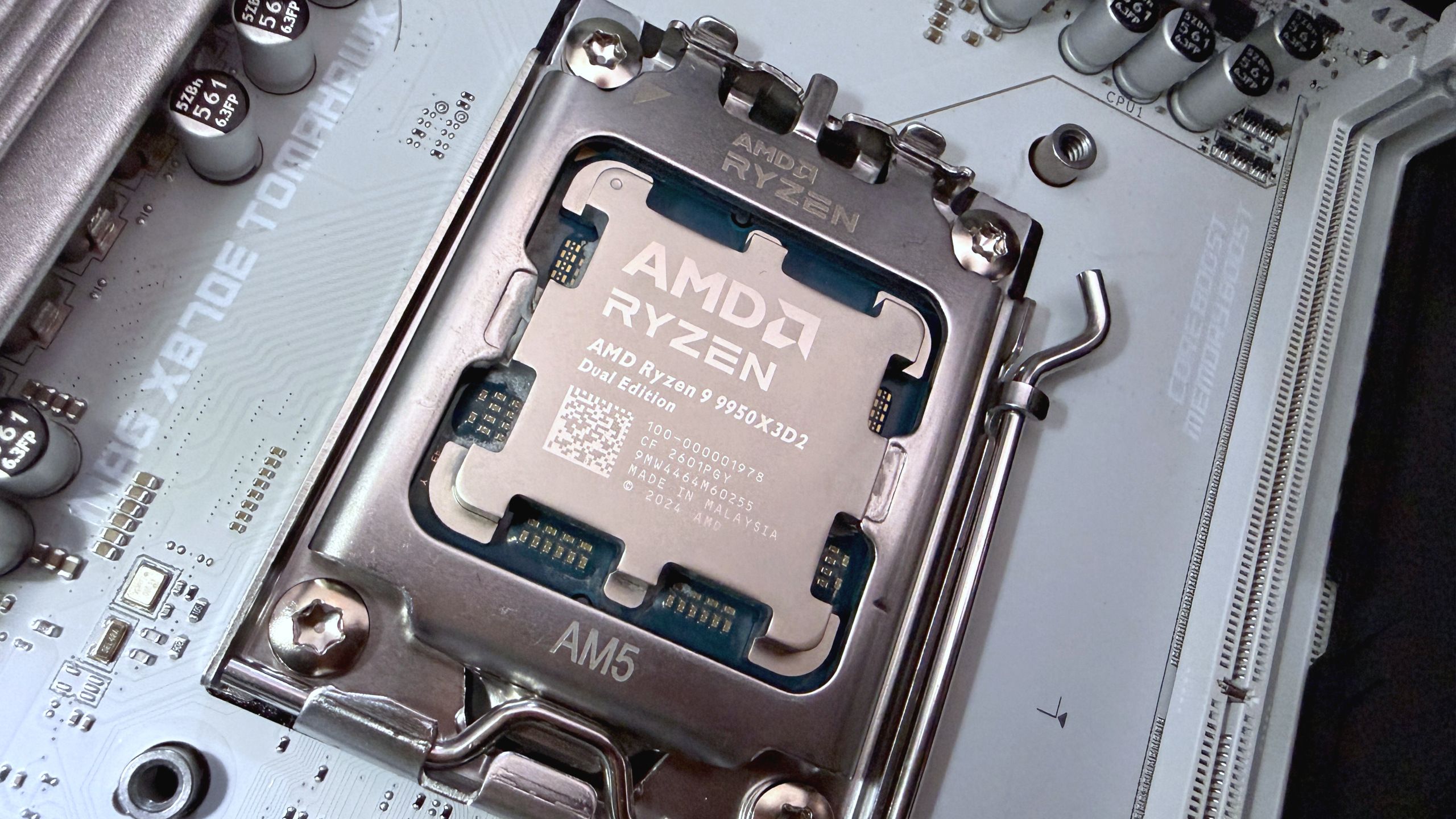
If your AMD chipset drivers are mysteriously failing to install like mine, you’ll need to manually update instead
The AMD Install Manager utility is experiencing widespread driver installation failures for AMD chipset drivers. Multiple users, including PC Gamer’s own testing, have encountered issues where the installer fails to complete successfully, instead displaying a generic error message with unhelpful troubleshooting suggestions that reference vague, unrelated PC update conflicts.
The issue affects users attempting to maintain their systems with the latest chipset drivers, which are critical for system stability and performance. Standard troubleshooting steps, including complete reinstallation of the AMD Adrenaline driver package, have proven ineffective in resolving the installation failures.
As a workaround, affected users are being directed to manually install chipset drivers rather than relying on the AMD Install Manager’s automated installation process. This requires manual intervention that most users don’t typically expect when updating drivers through official tools.
The root cause appears to be a bug or compatibility issue within the AMD Install Manager itself, though AMD has not yet provided official acknowledgment or a permanent fix. Users experiencing this issue should bypass the automated installer and manually download and install the appropriate chipset drivers directly from AMD’s driver support page.