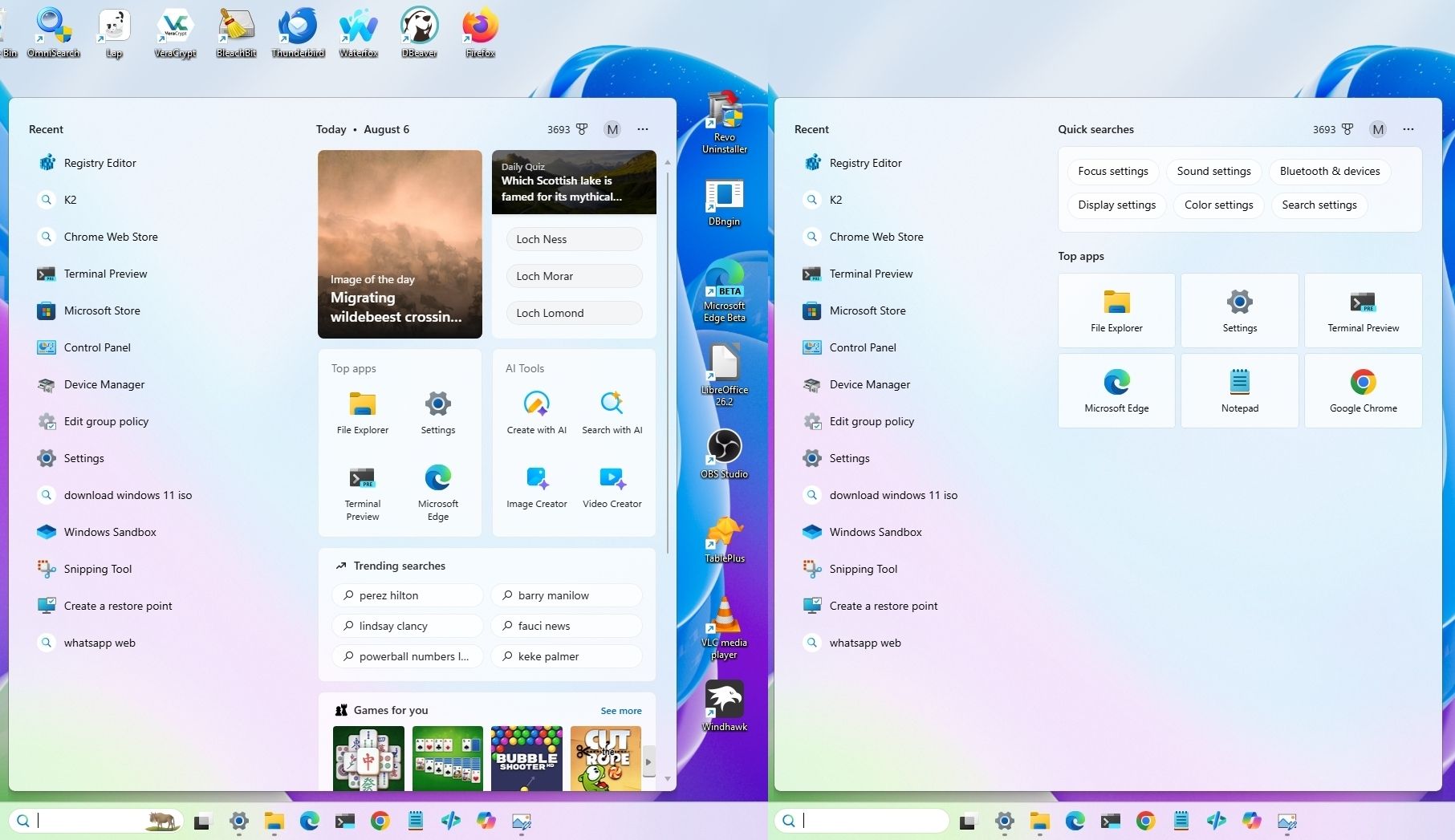
Windows 11 can feel loud and distracting out of the box — here are the features I disable immediately to make the OS calmer and easier to use
Windows 11 arrives with numerous features enabled by default that many users find distracting or unnecessary. According to Windows Central, the operating system’s default configuration includes widgets, recommendation badges, and persistent notifications that can clutter the user experience and compete for attention during work.
The article presents a practical guide for users who prefer a cleaner, quieter desktop environment. The author identifies seven specific Windows 11 features worth disabling to create a more focused workspace. Rather than being inherently problematic, these features simply don’t align with all users’ workflows or preferences—they’re optional additions that can be disabled without compromising core functionality.
The core philosophy behind these customizations is straightforward: the operating system should operate quietly in the background, notifying users only when something genuinely requires attention. Excessive alerts, widget panels, and recommendation systems can interfere with productivity and create visual clutter on an otherwise minimal desktop.
By adjusting these settings, users can transform Windows 11 into a more streamlined operating system that emphasizes focus and simplicity. For users frustrated by Windows 11’s chattier default behavior, this walkthrough offers concrete steps to reclaim control over their desktop environment with minimal technical knowledge.