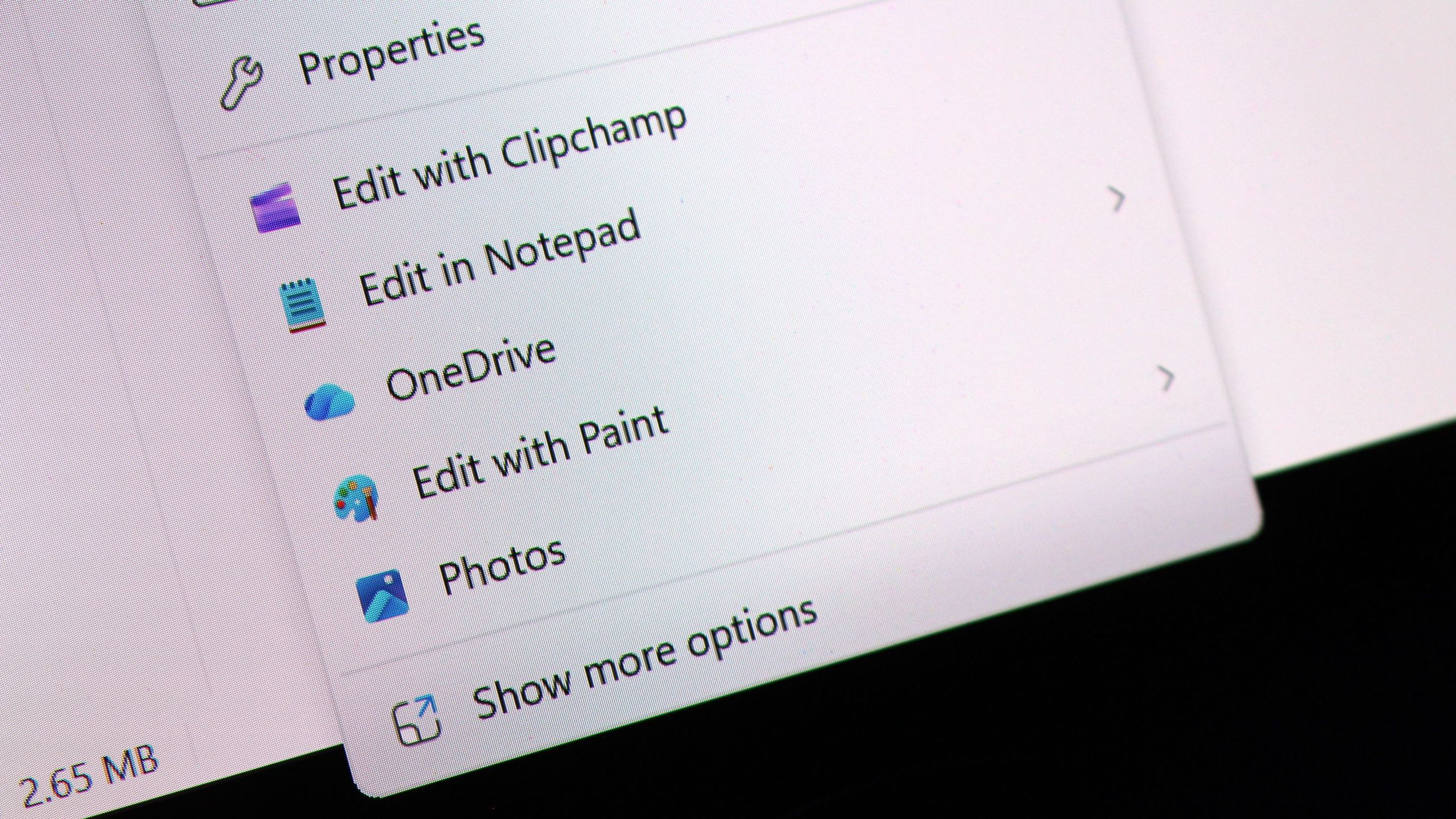
I tried Windows 11’s new customizable context menus, and they’re a major improvement: Microsoft will let you restore Windows 10 style vertical layout for primary actions and more
Microsoft is introducing customizable context menus for Windows 11, addressing long-standing usability concerns with the operating system’s interface. The new feature allows users to personalize context menu layouts and selectively enable or disable options, with the ability to restore Windows 10’s familiar vertical layout for primary actions.
Users will find a new “customize menu” option at the bottom of context menus, which opens Windows Settings and presents extensive configuration options. This initiative follows Microsoft’s broader effort to redesign the context menu system to improve both performance and reliability, issues that have plagued Windows 11 since launch.
The redesigned context menu system aims to be faster and more dependable than the current implementation. By enabling customization, Microsoft reduces menu clutter, improves user workflow efficiency, and maintains backward compatibility for users who prefer the Windows 10-style interface.