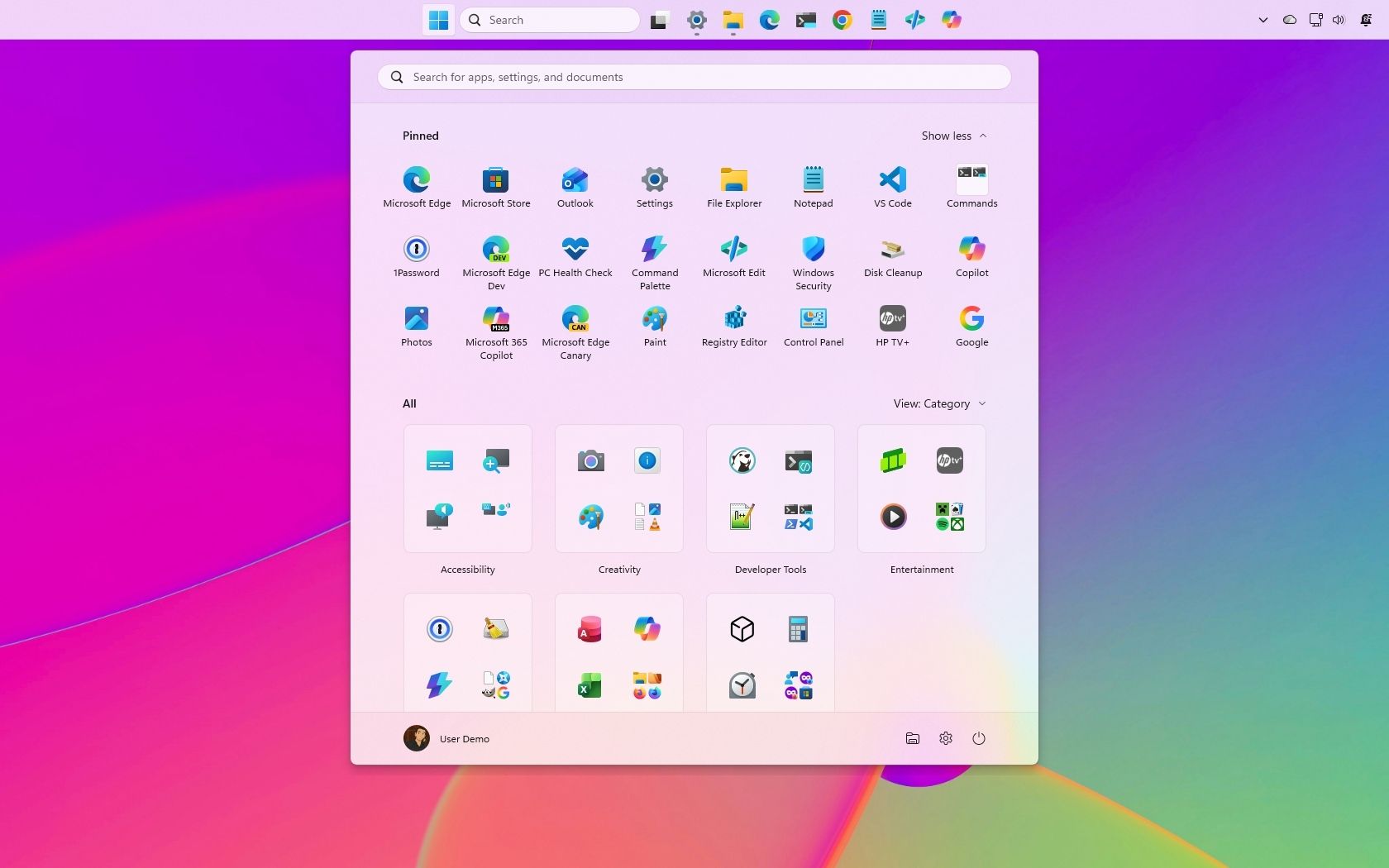
Windows 11’s September update reshapes key parts of the OS, and these 3 customizations instantly make the new release feel faster, cleaner, and more personal to use
Microsoft’s September 2026 update to Windows 11 introduces several customization options designed to give users greater control over the operating system’s interface and functionality. The update addresses long-standing user requests for enhanced personalization, allowing users to modify core desktop elements to better suit their preferences.
The headline customizations include the ability to relocate the Taskbar to the top of the screen—a feature many users have requested since Windows 11’s launch—and options to adjust the size of the Start menu for improved accessibility and workflow efficiency. Additionally, users can now disable web results from Windows Search, reducing distraction from local file searches and providing a cleaner, more focused search experience.
These customization options are accessible through the Settings app, making them easily discoverable for users seeking to personalize their setup. The update is part of Microsoft’s broader Windows K2 initiative, an ongoing effort to increase the desktop’s customizability in response to user feedback. By reducing intrusive default behaviors and empowering users to configure their workspace, Microsoft aims to enhance the overall user experience and make Windows 11 feel more refined and responsive to individual needs.