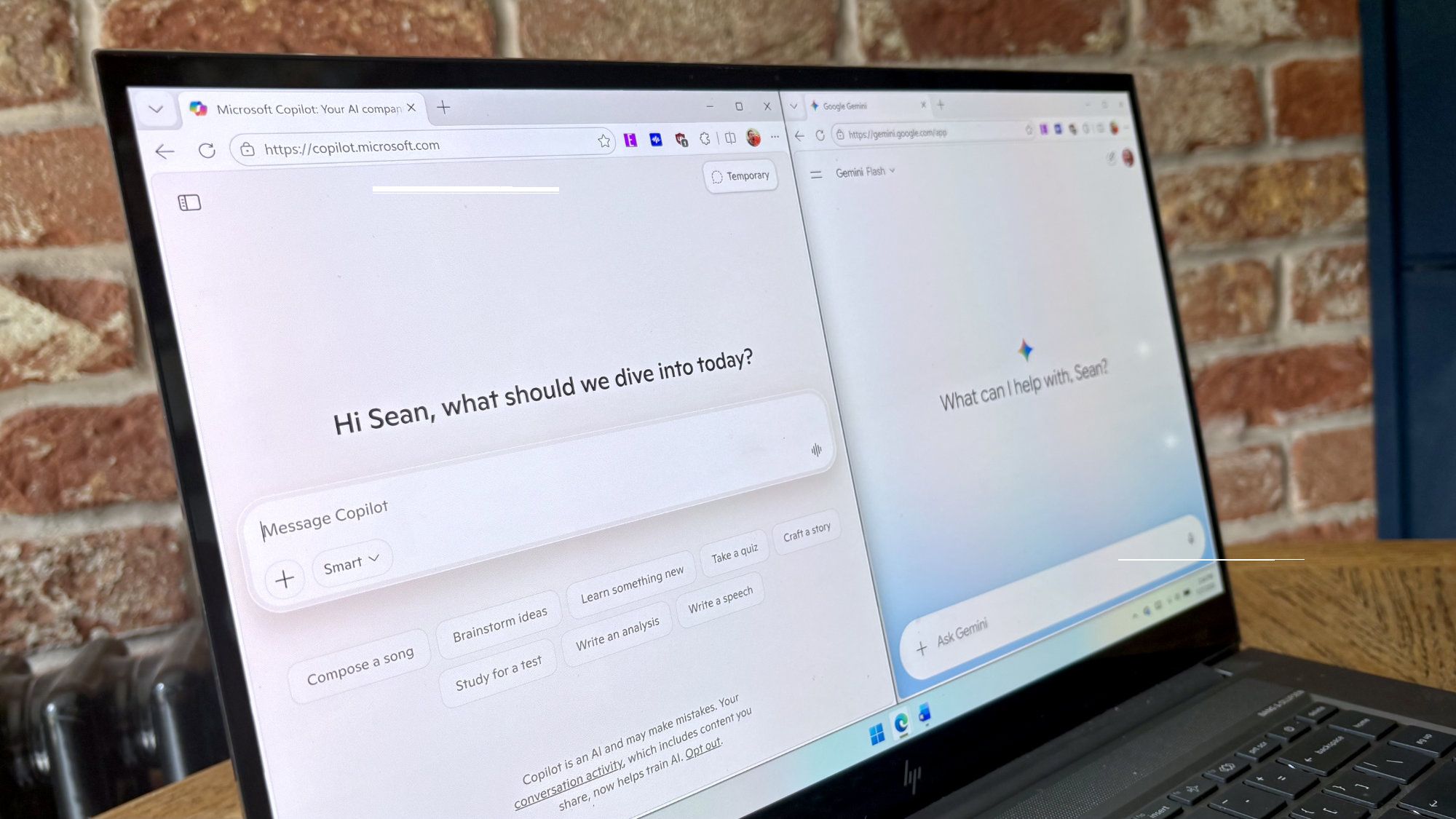
Google’s Gemini app for Windows 11 uses the same keyboard shortcut as Copilot
Google has launched Gemini for Windows 11 and Windows 10, allowing users to summon the AI assistant using the Alt + Space keyboard shortcut. However, this creates a conflict with Microsoft Copilot, which uses the same shortcut on Windows systems. Users looking to switch between the two AI assistants or prioritize Gemini may need to remap their keyboard shortcuts to accommodate both applications.
The shortcut conflict is notable because Alt + Space is a widely-used key combination on Windows—it also opens PowerToys Run, Microsoft’s task launcher utility. Users managing multiple keyboard shortcuts and applications may face additional complications in setting up their preferred AI assistant workflow.
The Gemini app brings core functionality from Google’s web-based AI service to the Windows desktop, with the main enhancement being the ability to quickly access Gemini through the keyboard shortcut rather than navigating through a web browser. This positions Gemini as a more direct competitor to Copilot on Windows, which has been deeply integrated into recent versions of the operating system.
The application is available for download through Google’s official website, making it accessible to Windows users who prefer Google’s AI platform or want to run both services alongside Copilot.