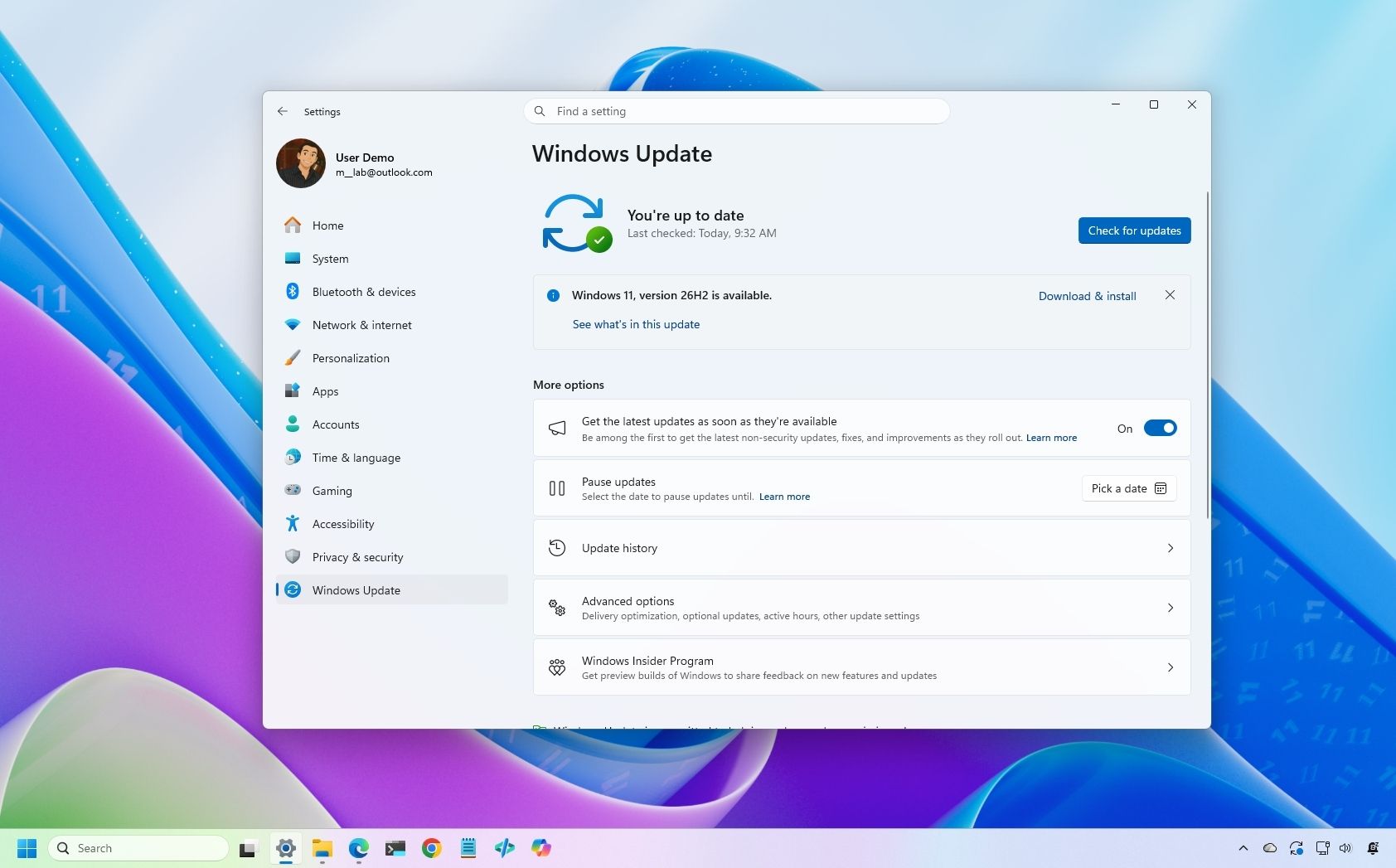
Windows 11 26H2: how to install without waiting for Microsoft
Microsoft is gradually rolling out Windows 11 version 26H2, the 2026 Update, to compatible devices. While the company is deploying it in phases, starting with machines known to have smooth upgrade experiences, the update is optional and users can install it manually if they wish to adopt it early rather than waiting for the standard rollout.
The installation process varies depending on the current Windows version. For devices already running Windows 11 version 25H2 or 24H2, version 26H2 is a minor update that doesn’t require a full system reinstall. However, users still on older versions—specifically version 23H2 or earlier—will need to perform a full in-place upgrade with complete reinstallation. Similarly, users upgrading from Windows 10 to Windows 11 will go through the complete upgrade process.
The phased approach Microsoft is employing means early adopters with compatible hardware may see the update before others, as the company prioritizes devices with demonstrated good upgrade experiences. This strategy aims to minimize compatibility issues and ensure a smoother transition across its user base. For those eager to upgrade, manually initiating the installation provides an alternative to waiting for the automatic rollout.