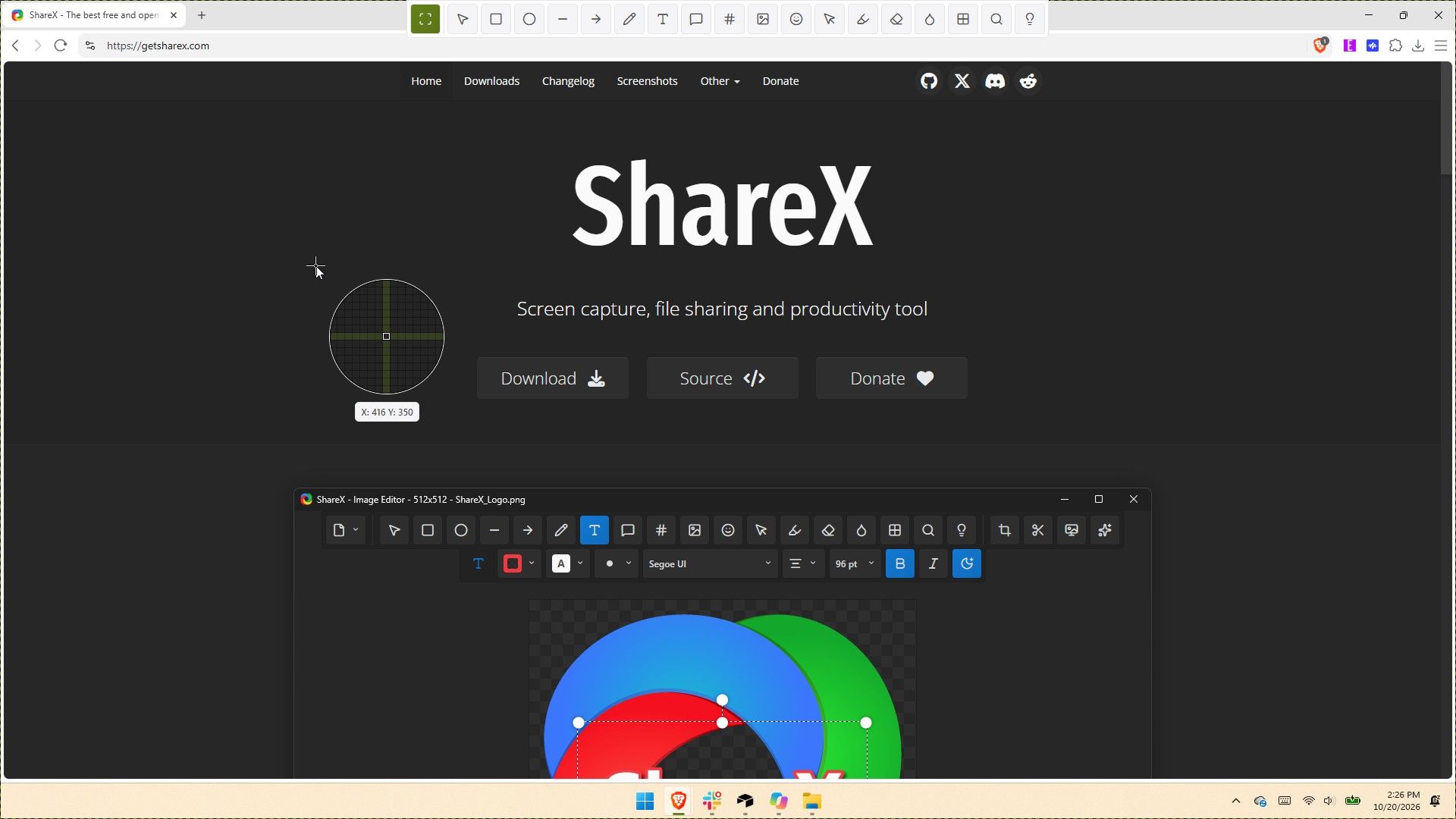
ShareX gets its biggest update ever with native screen recording, 120 FPS capture, and dozens of new tools
ShareX, a screen capture utility that has dominated Windows for nearly two decades, has received its most significant update in its 19-year history. Version 22.0.0 represents a complete overhaul of the application, introducing native screen recording capabilities alongside numerous improvements that further cement its position as a superior alternative to Windows’ built-in Snipping Tool.
The standout addition is the new native screen recording feature, which includes support for capturing video at up to 120 FPS—enabling smooth playback of high-frame-rate content. The update introduces a redesigned screen recorder interface bar providing more intuitive control over captures. Quality-of-life enhancements include the ability to restart recordings without losing work, a feature particularly useful for content creators needing to correct mistakes mid-recording. Users can now toggle the visibility of the recording timer and button labels for a customized interface.
The comprehensive scope of this release demonstrates the development team’s commitment to evolving ShareX beyond its traditional capture-and-share foundation. With native recording now built directly into the tool, ShareX continues to exceed the functionality of Windows’ native offerings, maintaining its competitive advantage over basic capture utilities.