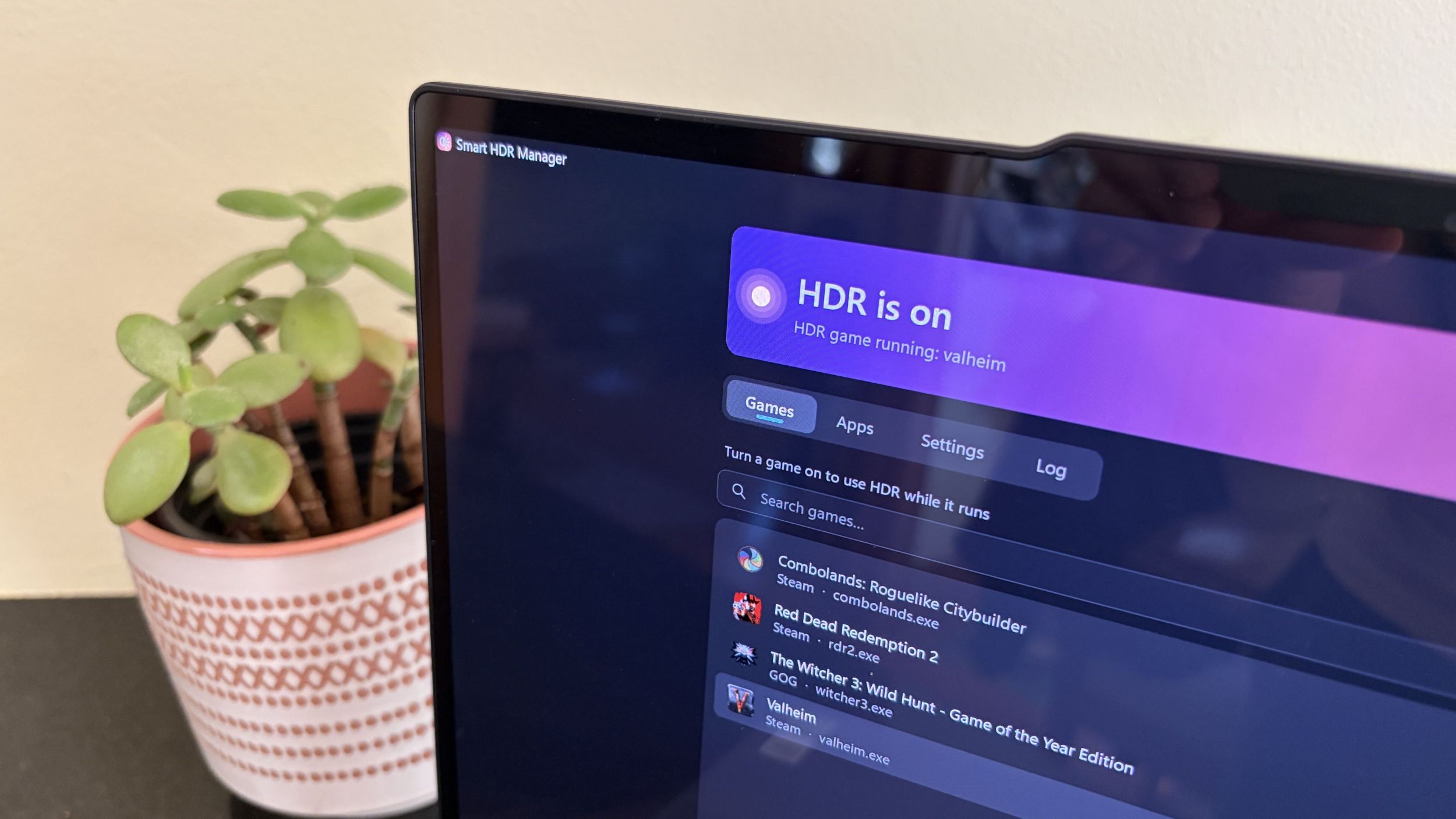
I tried the free app that makes Windows 11 HDR work the way it should
A free open-source utility called Smart HDR Manager, created by GitHub user VantaCode420, aims to simplify Windows 11’s notoriously complicated HDR (High Dynamic Range) implementation. HDR enhances brightness, color accuracy, and contrast on compatible displays, but Windows 11’s handling has discouraged many users from utilizing the feature. Smart HDR Manager addresses this friction by automating HDR detection and optimization.
The app has already gathered 218 GitHub stars despite being in early development. According to a Windows Central review, the tool demonstrates practical value by automatically identifying installed games on a user’s system and optimizing their HDR settings without requiring manual configuration for each title. This transforms what was previously a cumbersome, per-application setup process into a streamlined, “set and forget” experience.
The utility effectively bridges the gap between Windows’ native HDR capabilities and user content, making the technology more accessible to mainstream Windows 11 users who might otherwise avoid HDR entirely due to its complexity. By automating the detection and optimization workflow, Smart HDR Manager removes a significant barrier to HDR adoption in the Windows gaming ecosystem.