New Windows 11 Insider Experimental build adds the ability to check your internet speed without a browser
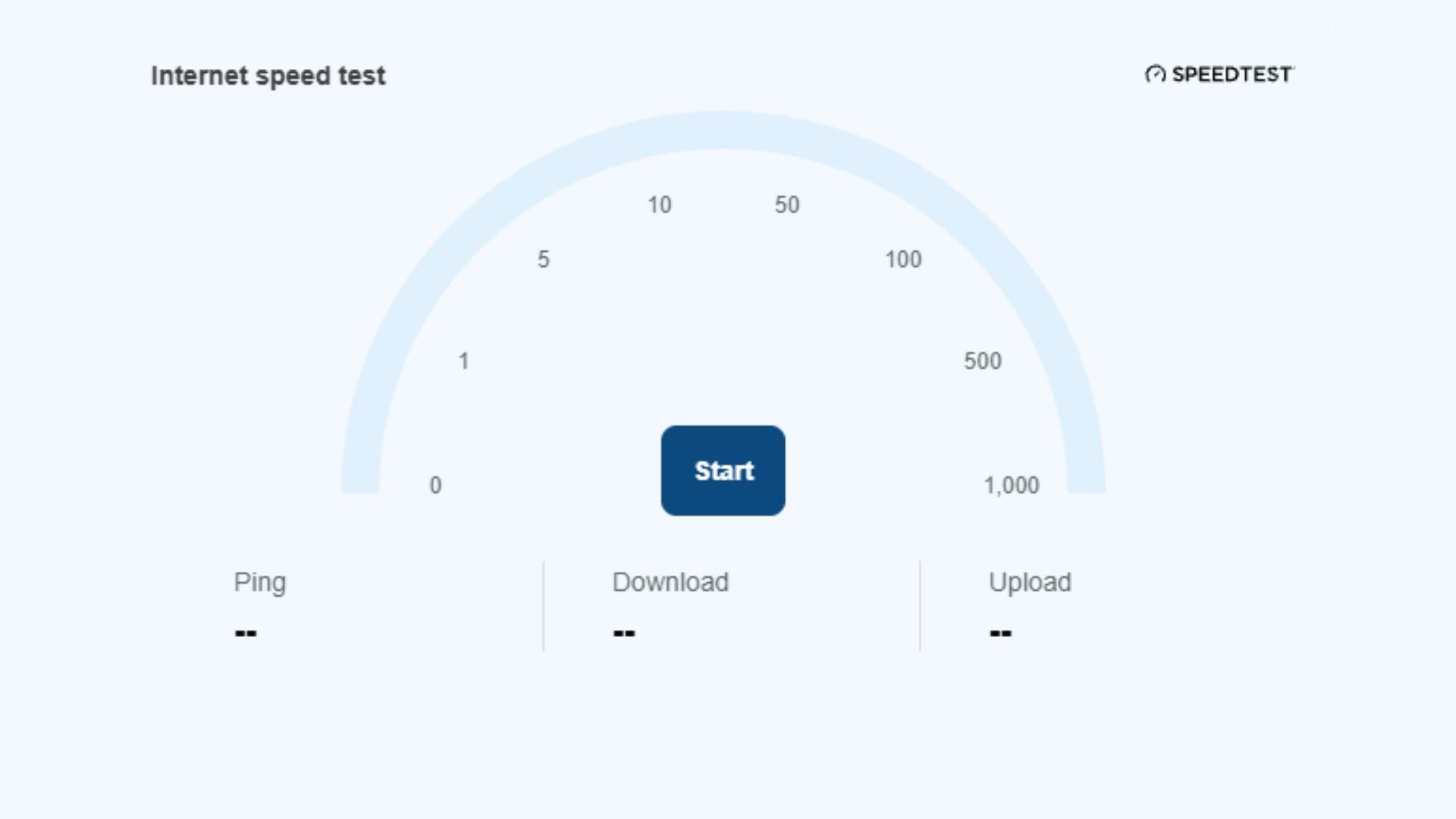
Windows 11 is receiving a built-in internet speed test tool that eliminates the need to rely on web browsers for connectivity testing. The feature, currently rolling out to Windows Insiders in Experimental build 26340.9767, is directly accessible from Quick Settings, making speed testing more seamless than before.
Users can access the tool in two ways: by navigating to Quick Settings and scrolling down to locate the speed test button, or by right-clicking the network icon in the system tray and selecting “Test internet speed.” The integrated tool displays both download and upload speeds, providing comprehensive connectivity metrics.
This feature replaces Microsoft’s previous approach, which routed users to Bing when attempting to access speed testing features through Windows 11’s settings. The new built-in solution represents a move toward more self-contained system utilities, keeping users within the operating system rather than redirecting them to external browsers. The capability is currently limited to Insider testers in the Experimental channel but may eventually roll out to the broader Windows 11 user base.