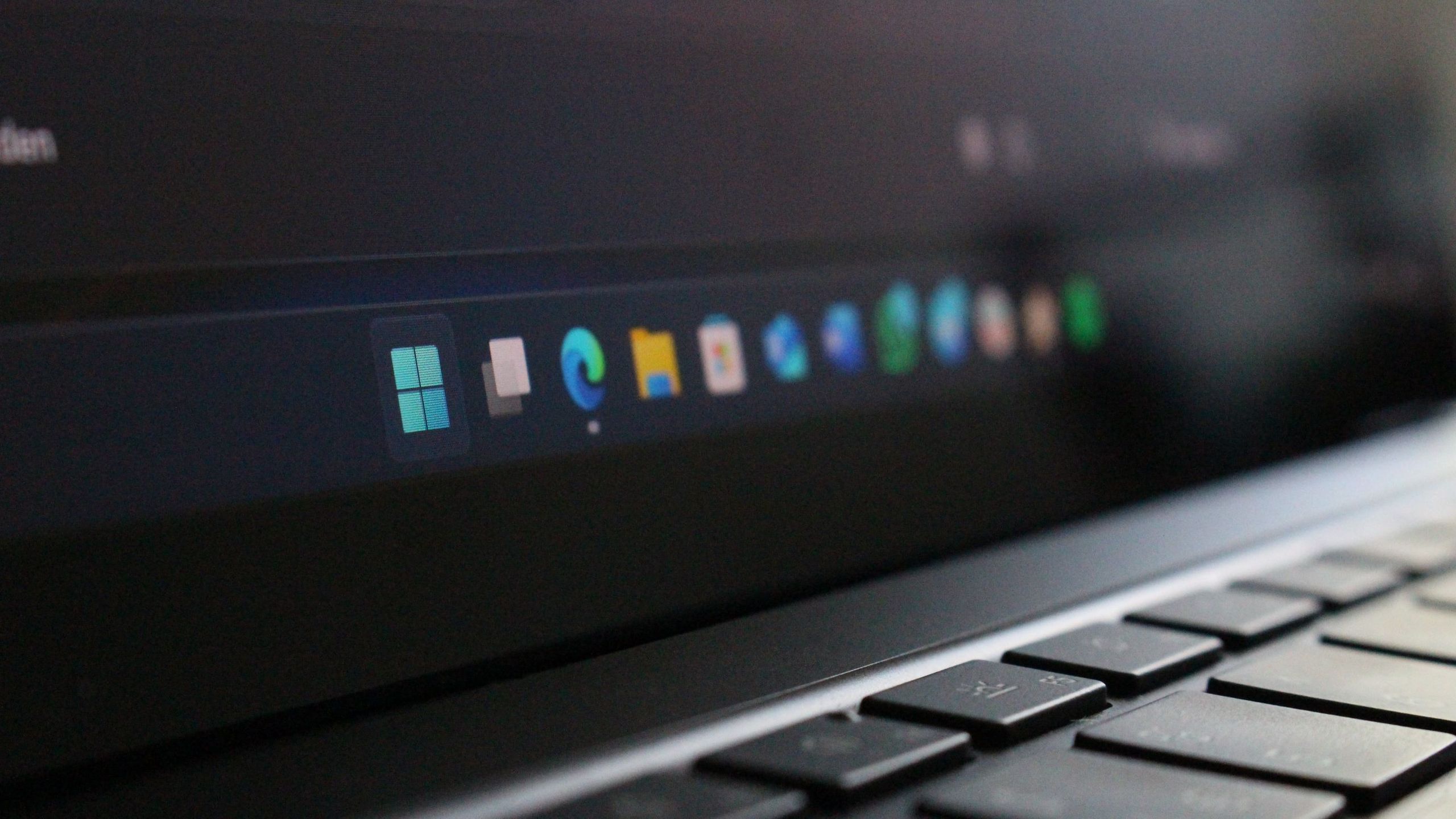
This free app makes moving the Windows 11 taskbar feel like Windows 10 again
Microsoft has finally restored the ability to move the Windows 11 taskbar, a feature notably absent at the operating system’s launch. However, the native implementation remains limited compared to Windows 10’s full functionality. To address this gap, developer Michał Łeptuch has created “Taskbar Location Options,” a free third-party application that makes repositioning the taskbar significantly easier.
The app provides two methods for moving the taskbar: users can right-click to select their desired position, or simply click and drag it to any edge of their screen. The taskbar can be moved to the top, left, right, or bottom—restoring the flexibility Windows 10 users had grown accustomed to.
The inability to move the taskbar was among the most-criticized features missing from Windows 11 at its launch. Many users upgrading from Windows 10 found themselves locked into the centered taskbar at the bottom of the screen, a design choice Microsoft introduced with Windows 11. While Microsoft has since enabled taskbar movement, the official implementation still lacks full feature parity with Windows 10.
Taskbar Location Options fills this functionality gap, providing a straightforward solution for users who prefer the taskbar positioning flexibility of earlier Windows versions.