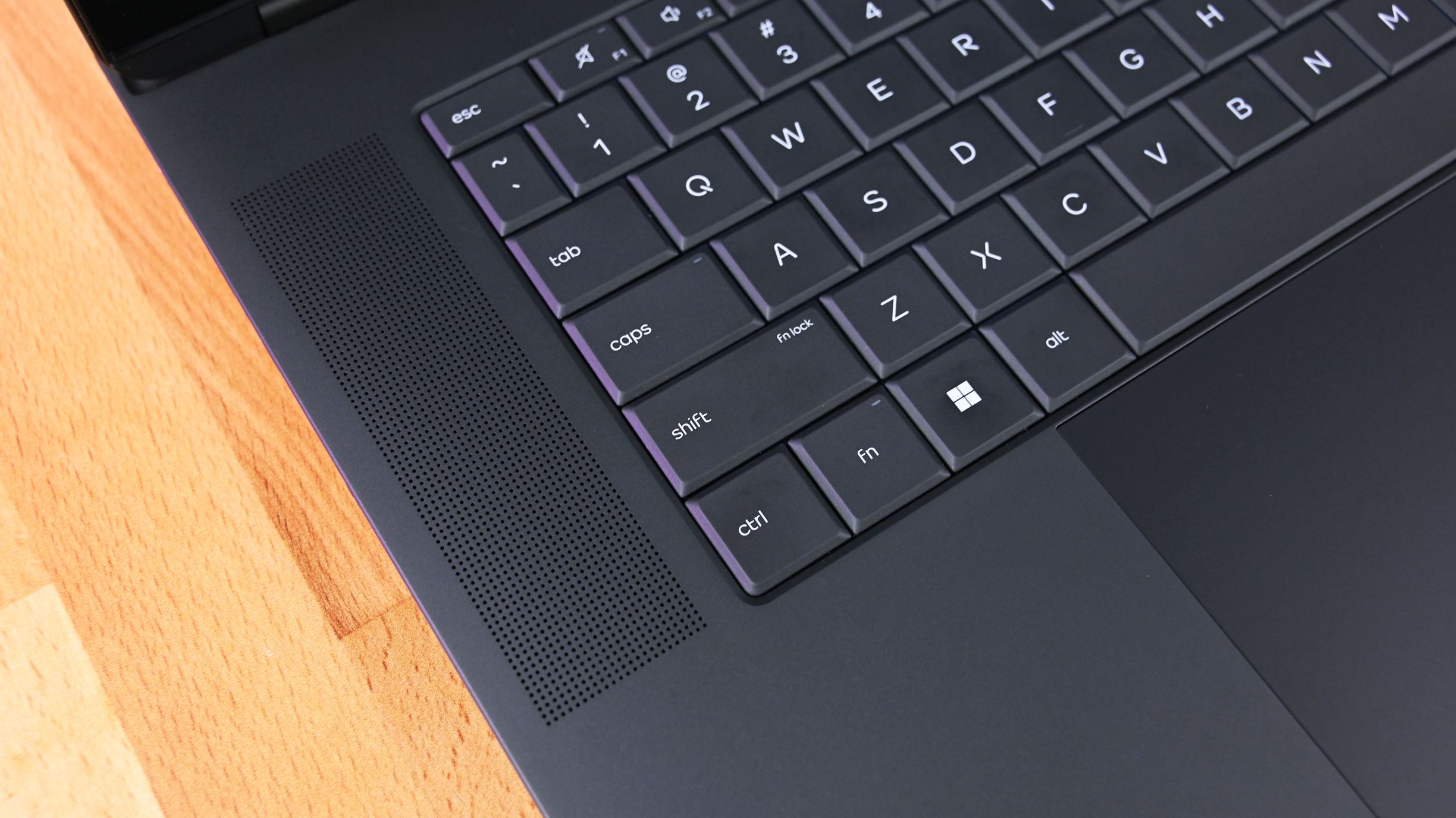
Microsoft is fixing accidental Sticky Keys prompts in Windows 11
Microsoft is streamlining accessibility features in Windows 11 by updating how users can disable the Sticky Keys prompt. The persistent “Do you want to turn on Sticky Keys?” dialog, which appears after pressing the Shift key five times, has long been a source of accidental triggers for users. The latest Windows Insider builds introduce a quality-of-life improvement: a “never ask again” option directly in the prompt itself.
Currently, if you’ve accidentally triggered this accessibility feature multiple times and want it to stop appearing, you must navigate to the Settings app to disable the keyboard shortcut. The update eliminates this friction by allowing users to permanently disable the Sticky Keys shortcut without leaving the prompt. This same improvement is also being applied to the Filter Keys prompt, another accessibility feature with a similar activation method.
This change reflects Microsoft’s attention to user experience details in Windows 11. While Sticky Keys is a valuable accessibility tool for users who need it, the five-press shortcut can be easily triggered accidentally during normal typing. The update respects both use cases: those who intentionally use the feature can continue to activate it, while those who don’t need it can dismiss the prompt permanently without extra steps.