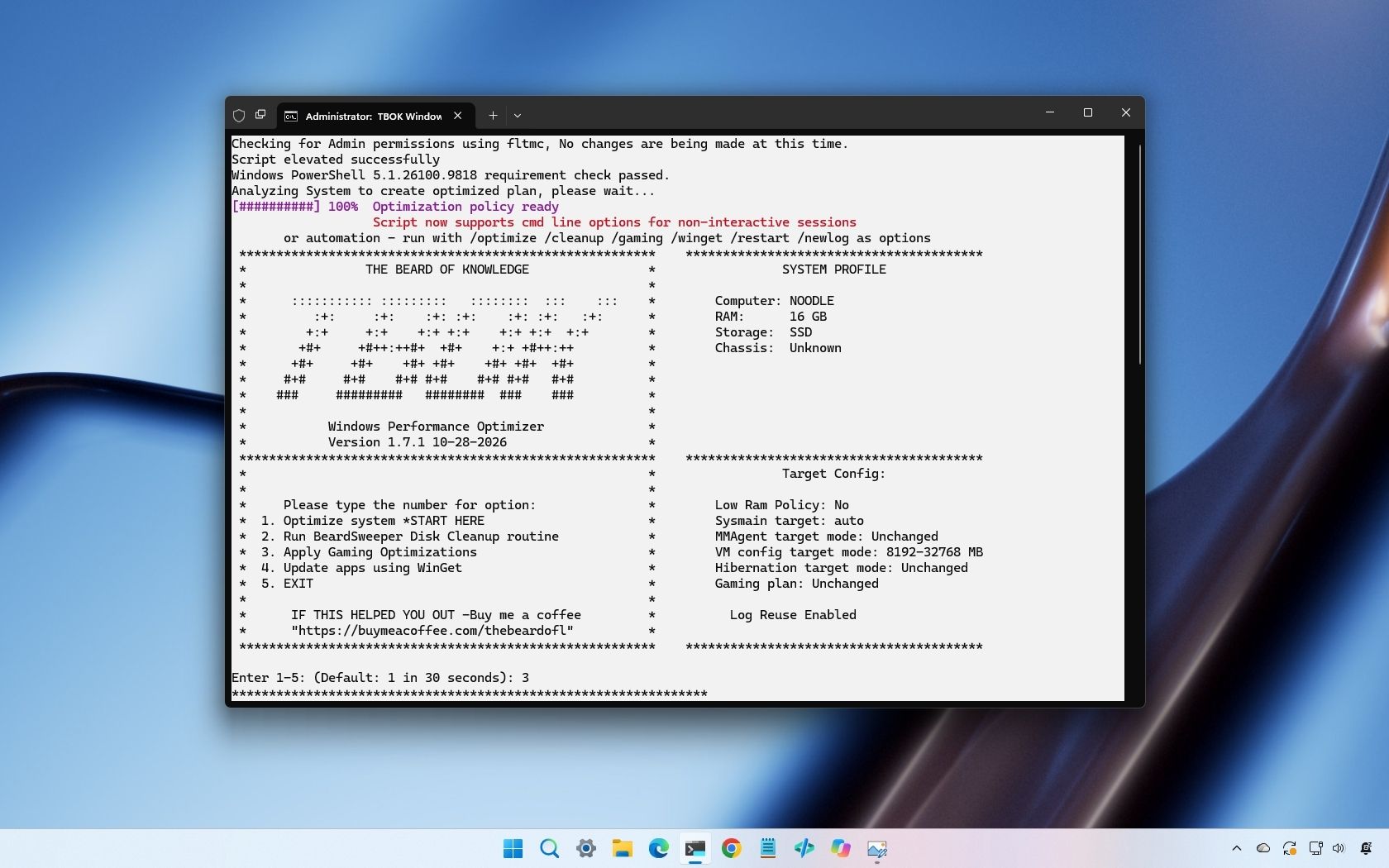
I tested this Windows 11 optimizer expecting a simple cleanup tool. I got much more than I bargained for
TBOK Windows Performance Optimizer is a free debloating tool for Windows 10 and Windows 11 that applies dozens of system-wide and per-user configuration changes designed to improve responsiveness, privacy, and gaming performance. The tool addresses the reality that Windows includes many background services, recommendations, and pre-installed apps that not all users want or need.
The optimizer comes in two forms: a standalone batch script for individual home users and separate deployment files for enterprise administrators managing systems through Microsoft Intune. This flexibility makes it accessible to both casual users looking for a simple performance boost and IT departments handling multiple machines.
A key feature is the tool’s hardware-aware configuration engine, which automatically detects the target computer’s hardware specifications and uses that information to intelligently select optimizations. This adaptive approach configures settings across multiple system areas including memory management, storage handling, background services, and gaming-specific optimizations, rather than applying a one-size-fits-all configuration.
By automating the removal of bloatware and optimization of system settings, TBOK attempts to free up system resources and improve overall responsiveness without requiring users to manually hunt through Windows settings. The emphasis on gaming performance suggests the tool specifically targets gamers looking to squeeze more FPS and faster load times from their hardware.