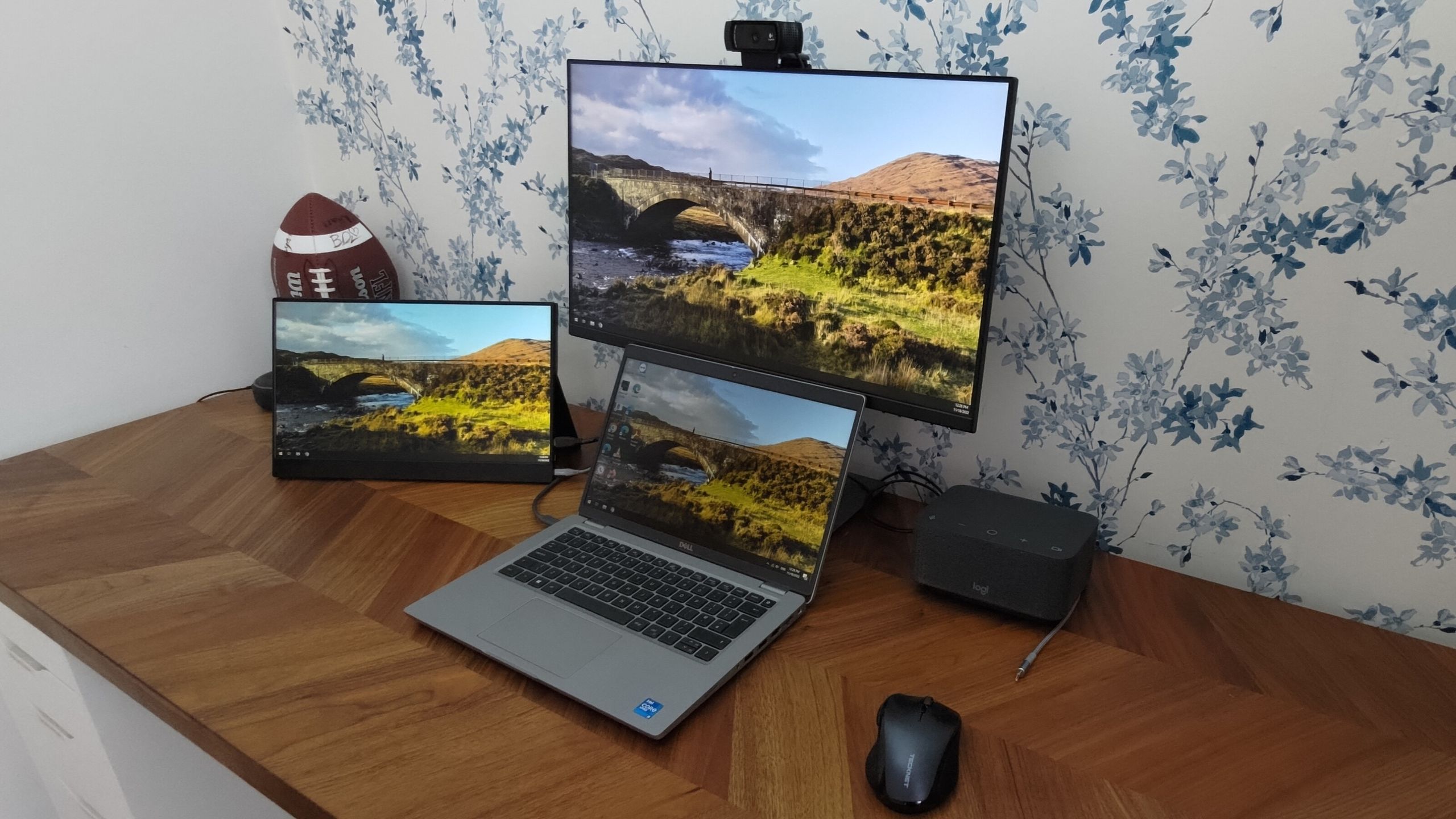
I stopped reaching for my monitor’s buttons after finding this free Windows tool
Microsoft has rolled out PowerDisplay, a free utility within PowerToys that streamlines monitor control for Windows 11 users. After approximately a year of testing, the feature is now available to everyone, offering a convenient way to adjust external monitor settings without reaching for physical buttons.
PowerDisplay enables users to control brightness, contrast, and color temperature of external monitors directly from Windows through a native-feeling flyout interface. This is particularly useful for those working with multiple monitors, as all adjustments can be made from a single, centralized location rather than navigating to each monitor’s physical controls.
The utility integrates seamlessly with Windows 11’s design language, making monitor adjustments feel like a native operating system feature rather than a third-party tool. By consolidating these controls in software, PowerDisplay simplifies the workflow for users juggling multiple displays—a common scenario for remote workers and office setups alike. For users already familiar with PowerToys, PowerDisplay adds immediate value without requiring separate installation.