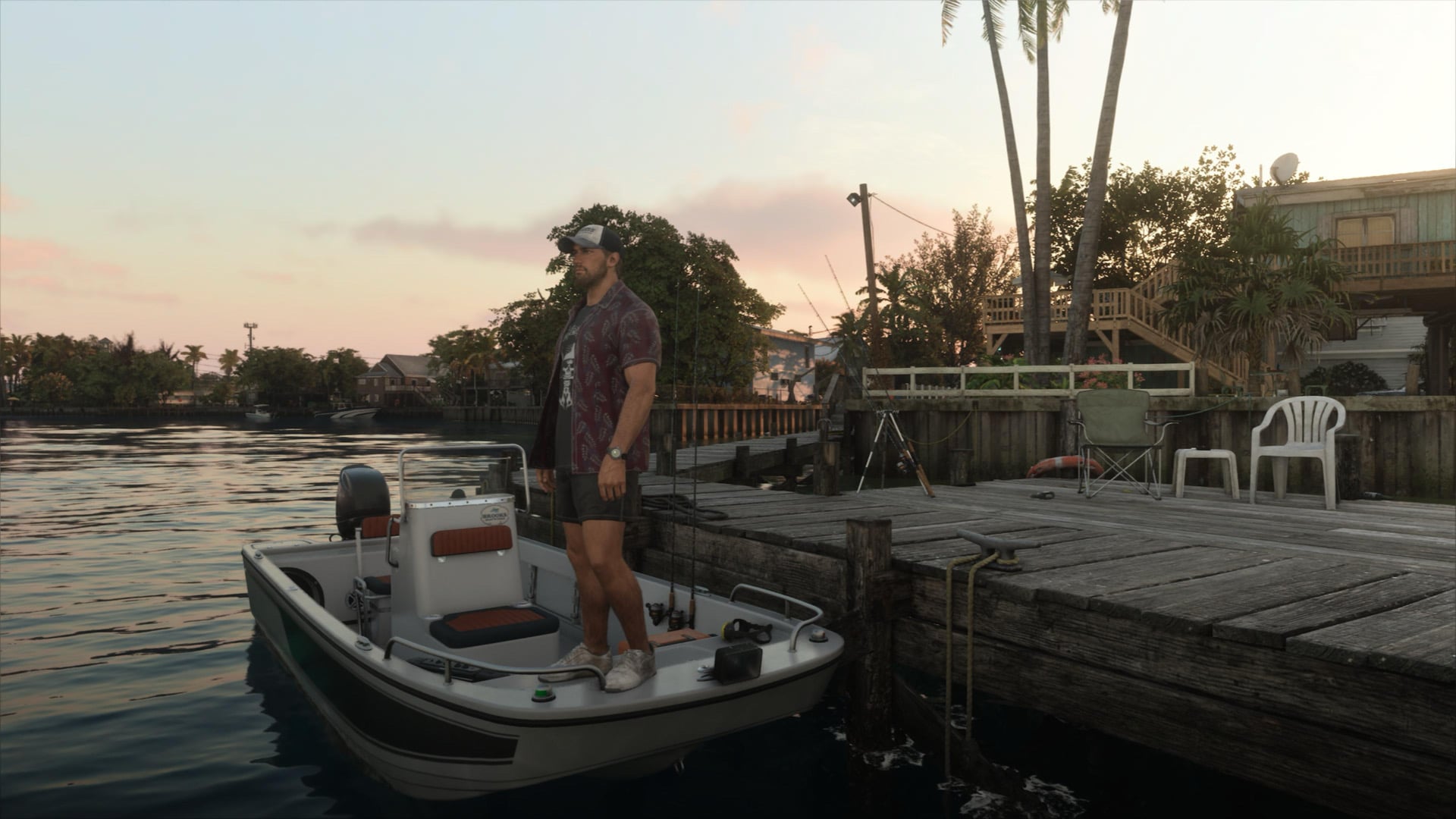
Where Do Photo Studio Pictures Get Saved in GTA 6?
GTA 6 includes a Photo Studio feature that functions similarly to photo modes in other contemporary games, allowing players to capture and save custom screenshots within the game world. Accessible from the game’s main pause menu, the photo mode can be toggled through the menu options or quickly activated by pressing Square on PlayStation 5 or X on Xbox consoles. While the concept is familiar to players experienced with in-game photo modes in other titles, the specific location where saved images and screenshots are stored may not be immediately obvious to new players. The feature is designed for players interested in documenting their experiences and moments within Grand Theft Auto 6’s expansive virtual world. The article provides guidance on how to properly locate and access Photo Studio pictures after capturing them, helping players navigate what might otherwise be a confusing interface.